Build 2025: Microsoft Edit – new command line text editor for Windows
With Edit, Microsoft presents a new command line text editor for Windows. The open source editor should initially be available for Windows Insider and later for all Windows 11 users in the coming months. The editor combines classic operating concepts with modern features.
Lightweight editor for the command line
Microsoft has developed a new command line text editor called Edit, which is Open source project will be available on Github. The editor will initially be tested in the Windows insider program in the coming months before it is then delivered as an integral part of Windows 11. Microsoft announced this today as part of Build 2025. Users already have the option of compiling the source code themselves or installing the latest version directly from Github, as the Microsoft product manager Christopher Nguyen im Dev blog explained.
Modern features in classic robe
With a size of less than 250 kilobytes, the memory requirement of the editor is limited. As a modeless program with text-user interface (TUI), EDIT offers key combinations for all menu options. Users can open several files at the same time and switch between you with the key combination Ctrl+P. The editor opens differently depending on the start method: at a normal start, it is opened as a tab in the terminal, and an independent window appears when starting with administrator rights.
Development and motivation
According to Microsoft, EDIT emerged from the need to develop a standard cli editor for 64-bit versions of Windows. While 32-bit versions of Windows were still delivered with the MS-DOS editor, a corresponding alternative for 64-bit systems has so far been missing.
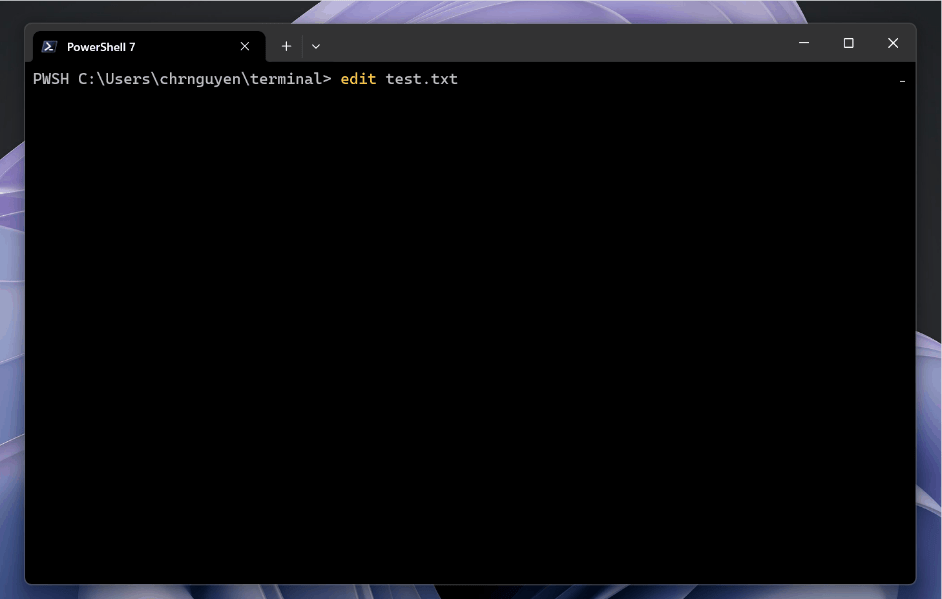

The history of the text editor in Windows goes back to the early days of the operating system. The original MS-DOS editor, often simply called as a “edit”, has been an integral part of the system since the 1980s. With the transition to 64-bit architectures, however, this classic editor disappeared from the standard scope. An important aspect in development was the avoidance of operating hurdles, as they appear at the Editor VIM – known by the “How do I Exit Vim?” Mema. Therefore, Microsoft consciously opted for a mode -free editor that should be more intuitive.
Practical functions for everyday life
Integrated functions include a search-and-era function, which can be called up via Ctrl+R and supports both large/small writing and regular expressions. The line break function can be activated via Alt+Z or the TUI menu. The open source approach enables the community to expand and adapt the editor according to its own ideas. This is in accordance with Microsoft’s increased commitment to open source software in recent years, which also includes Windows Terminal and Pertoys.

Digital marketing enthusiast and industry professional in Digital technologies, Technology News, Mobile phones, software, gadgets with vast experience in the tech industry, I have a keen interest in technology, News breaking.