Microsoft’s Free Windows 10 Security Program Plagued by Registration Errors

Some Windows 10 users are unable to enroll in the ESU program. The error messages are non-specific and leave PCs without protection. Microsoft speaks of regional delays, but other factors are also blocking registration.
Problems with ESU registration are increasing
Since support for Windows 10 ended on October Patch Day on October 14, 2025, numerous users have been struggling with problems registering for the Extended Security Updates program (ESU). Microsoft had already eliminated the first difficulties with an update in mid-July.
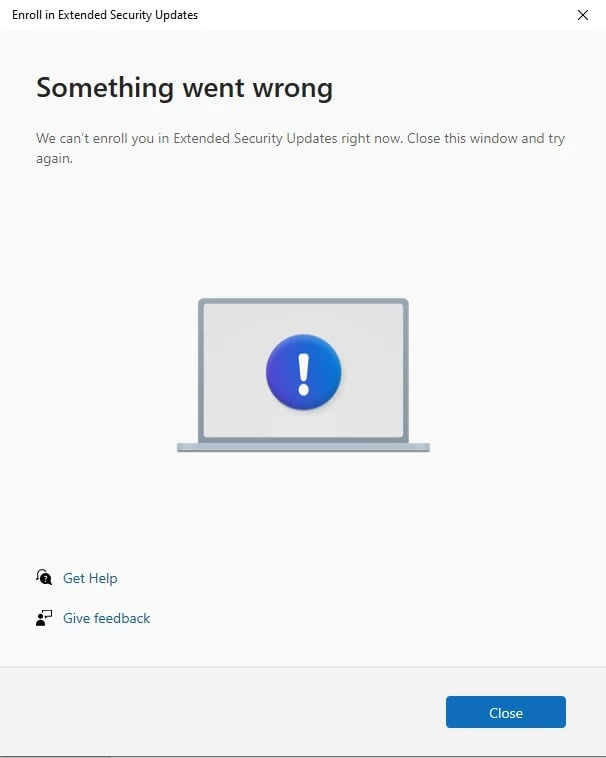
But again, users cannot register for the ESU program. The problems manifest themselves in different ways. European users often see a message that the ESU program is “temporarily unavailable” in their region. When attempting to register, other users only receive the unhelpful message “Something went wrong” without any further explanation.
Microsoft speaks of regional delays
Loud Windows Latest Microsoft has previously stated that the enrollment experience may vary by region. For the European Economic Area, however, ESU registration should begin in mid-October. However, since it is already November, the ongoing difficulties point more to systematic problems. The ESU program is free for private users in the EU when they sign in with a Microsoft account.
Registered devices will continue to receive critical security updates until October 2026. Companies receive up to three additional years of support. However, they pay 61 dollars (around 53 euros) per device in the first year, 122 dollars (around 105 euros) in the second year and 244 dollars (around 211 euros) in the third year.
Incorrect device detection blocks login
A second issue currently occurring with EUS enrollment involves PCs that Microsoft incorrectly identifies as corporate devices. This can happen if a work or school account was previously connected. Remnants of such connections cause the system to require a paid business ESU license instead of the free private user option.
Users who have temporarily used their private devices for professional purposes are particularly affected. Even after removing work accounts, registry entries or hidden configuration files can still mark the system as a corporate device. Microsoft has not yet provided an automated solution to this misclassification.
What users can do
The Windows community has developed several workarounds. One approach recommends activating the “Find my device” function in the system settings. For other users, a complete reinstallation of Windows 10 using the Media Creation Tool helped. For stubborn cases, there are registry entries and PowerShell scripts that activate the ESU authorization manually.
However, these methods require administrator privileges and technical understanding. The current situation is exacerbated by the time-critical nature of security updates. Without successful ESU registration, Windows 10 PCs remain vulnerable to new security vulnerabilities as regular support has already ended. Experts warn of a growing security risk as cybercriminals could specifically search for unpatched Windows 10 systems.