How to Build a Repeatable Test for AI Video Ideas
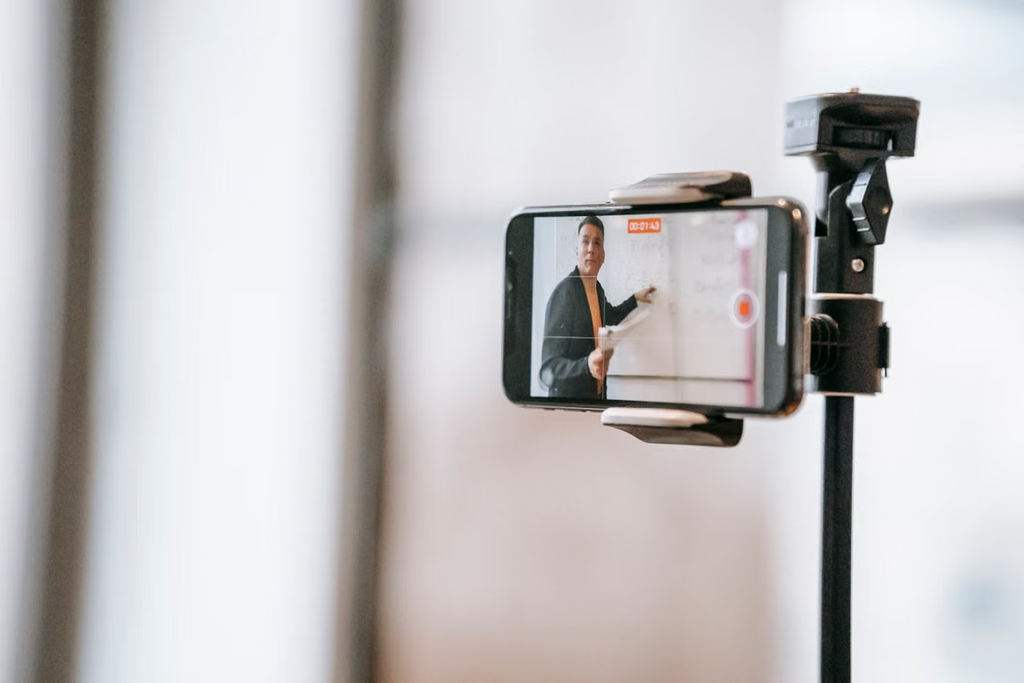
A short generated video can look convincing at first glance and still be unsuitable for the project that inspired it. Motion may drift, a scene may communicate the wrong idea, or a useful detail may disappear between frames. For teams exploring AI video, the practical question is therefore less about finding an impressive example and more about developing a repeatable way to judge results. A modest test with clear criteria can make that process easier to understand and easier to improve.
Begin with a specific communication task
Choose one small purpose before writing a prompt. A concept clip for a presentation has different needs from a background scene for a tutorial. Describe who will watch, what they should notice, and where the clip will appear. Keep the first experiment narrow enough that a reviewer can decide whether it worked without guessing what the creator intended.
For example, a team could test a quiet establishing shot of a fictional workspace. The brief might call for a slow camera movement, consistent lighting, and a clear area for a title added later. This is more useful than asking for something cinematic with no further constraints. It also gives the team a shared reference when two versions look attractive for different reasons.
Turn the brief into observable criteria
Write a short checklist before generating anything. Separate essential conditions from preferences. Essential conditions might include a stable subject, no unexpected scene changes, and enough space for the planned text overlay. Preferences could include a warmer color palette or a slightly slower camera movement. Keeping those categories separate prevents personal taste from obscuring a functional problem.
Use criteria that someone else can observe. Instead of describing a clip as professional, ask whether the subject remains recognizable throughout the shot. Instead of calling movement natural, identify whether objects accelerate smoothly and maintain plausible contact with the scene. Concrete language helps reviewers explain disagreement and reduces the temptation to choose a result only because its opening frame looks polished.
Keep the first comparison controlled
When evaluating a video generation service, record the prompt and the settings that the interface exposes. A creator considering Wan 3.0 can use the same written brief as a starting point for a structured trial, while checking the current interface and available options directly. The purpose of the record is to preserve the test conditions, rather than assume that every service offers identical controls or produces interchangeable results.
Change one major element at a time. If a prompt revision changes the subject, camera, lighting, and location together, it becomes difficult to explain an improvement. A simple test log can hold a version label, the prompt, the date, the visible settings, and a brief review. Record unsuccessful attempts as well as successful ones, because the discarded versions often reveal which instructions remain ambiguous.
Review motion across the whole clip
Watch each result at normal speed before studying individual frames. Check the beginning, middle, and ending for continuity. Small visual errors may become more distracting when repeated, especially in a loop or a large presentation. Look for changes in object shape, unstable backgrounds, inconsistent shadows, and movement that conflicts with the intended camera direction.
Then place the clip in its intended context. A result that works on its own might compete with narration or leave too little room for captions. Test the actual crop and check whether key information remains visible. If the project requires accurate text, diagrams, or product details, consider adding those elements during editing and verifying them separately instead of relying on the generated scene to preserve every detail.
Account for the work after generation
Generation is only one part of production. A practical evaluation should include the time spent choosing versions, trimming clips, correcting presentation issues, and exporting the final sequence. Compare total effort for a usable result, rather than simply counting how quickly an initial clip appears. This distinction is especially helpful when a visually ambitious version requires substantial cleanup.
Keep source material organized. Give each selected clip a stable name and retain the prompt alongside it. Use reference images only when the team has appropriate permission, and avoid placing confidential information into a service without understanding the applicable settings and terms. Before distributing a finished piece, review the current usage conditions and make any disclosures required by the publishing context.
Use review notes to decide the next step
Ask reviewers to name the most consequential issue and suggest one change. This produces more useful feedback than collecting a long list of vague impressions. If the scene fails a required condition, identify whether a clearer prompt, a simpler composition, a different reference, or conventional editing is the most reasonable next step. Some ideas benefit from simplification rather than additional attempts.
Finish the test with a short decision note. State what the clip can be used for, which limitations remain, and what would need to change before a broader rollout. Preserve enough information that another person could repeat the exercise. A repeatable evaluation does not remove creative judgment; it gives that judgment a clear foundation, helping a team distinguish an interesting experiment from an asset ready for its actual audience.

Alexia is the author at Research Snipers covering all technology news including Google, Apple, Android, Xiaomi, Huawei, Samsung News, and More.