Apple Releases iOS 26 Beta 5 with UI Tweaks, Camera Changes & New Animations
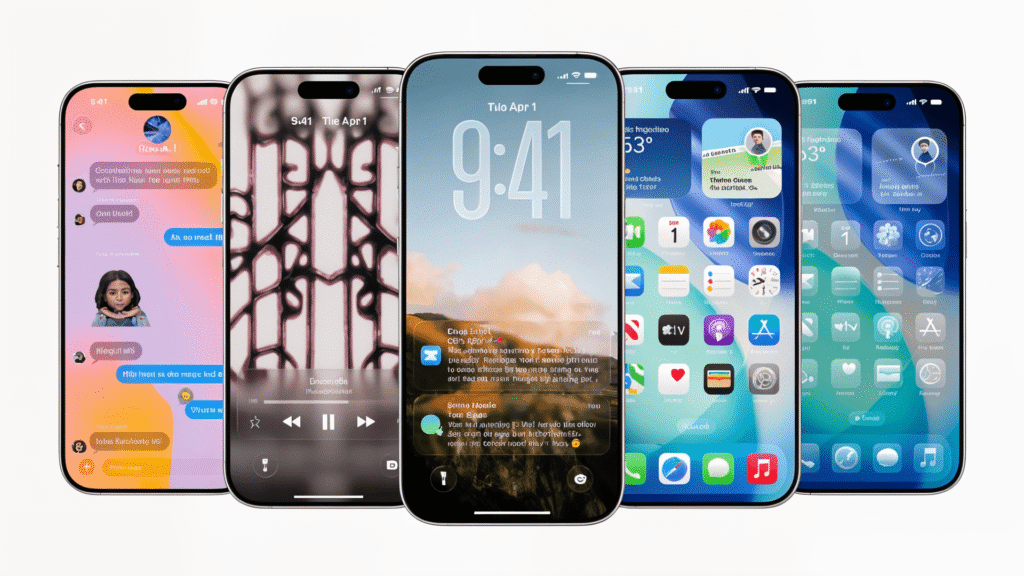
Apple has published the fifth developer beta of iOS 26 with numerous adjustments. In addition to new animations, new symbols and changes in the camera app, there are updates in the liquid glass design in several places.
iOS 26 Beta 5 brings fine sanding for autumn
Apple’s beta program for iOS 26 is in full swing. While the public test version of the upcoming iPhone operating system has been available for almost two weeks for all interested parties, the developer beta has been running for a while. According to Apple CEO Tim Cook, it is even the most popular beta ever. Yesterday Tuesday, the Cupertino company has published the fifth developer beta of iOS 26 two weeks after the fourth beta version’s debut. The latest build wears the number 23A5308G and is available to registered developers via Apple’s Developer Portal.
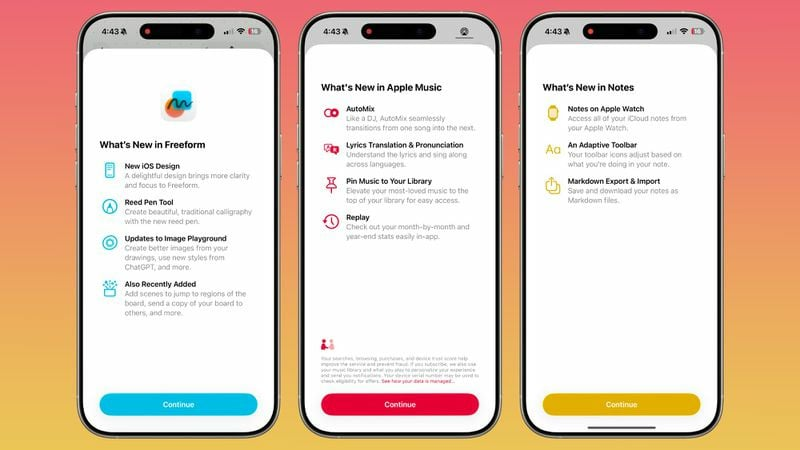
As, among other things, 9to5mac reports, the new test version of iOS 26 brings some innovations. For example, new Splash screens for various Apple apps have been added that appear at the first start after the iOS-26 update. These should inform users about the most important innovations and facilitate the transition to the new version.
Camera app receives Classic Mode back
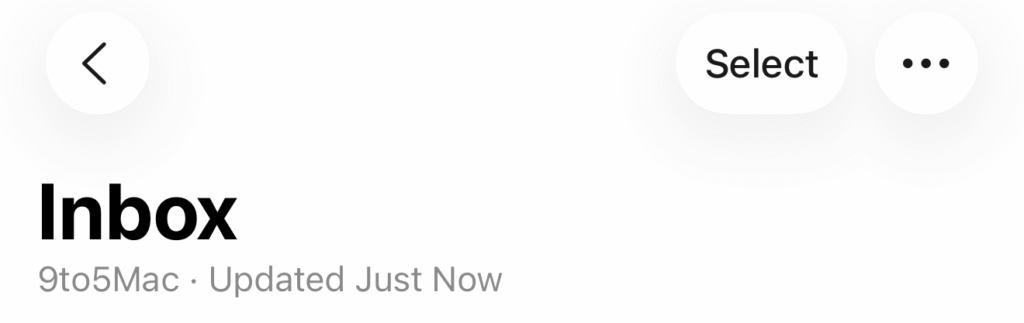
One of the most important innovations concerns the camera app. Apple added a button to switch to the “Classic Mode”, which restores the old scroll direction during the change between the camera modes. This option can be found in the camera settings and returns to the usual navigation that many users have missed since the introduction of the new operation in iOS 18. The decision shows that Apple is quite willing to react to user feedback if changes are not well received. At the same time, the Select button was made visible again in the mail app. It is now at the top left of the menu symbol. This change is also likely to go back to feedback from users who had missed the function.
New animations and design updates
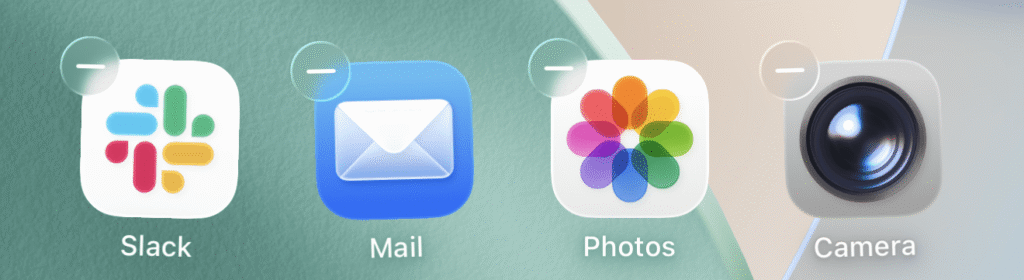
However, one of the most striking adjustments in iOS 26 Beta 5 is a new animation on the lock screen before the passcode input or unlocking with Face ID or Touch ID. The animations in the entire operating system were also slightly adjusted and now have a more fluid and responsive effect. In the Control Center in particular there is now a ‘springs’ animation when wiping between the different sides. The Airdrop symbol has also been revised and now fits better with the new liquid glass aesthetics, which is a central design element of iOS 26. This design language, which Apple introduces for the first time with iOS 26, is intended to ensure more consistency and a more modern appearance. When editing the home screen, the minus buttons are now also using the liquid glass texture instead of the opaque background of iOS 18.
More minor improvements
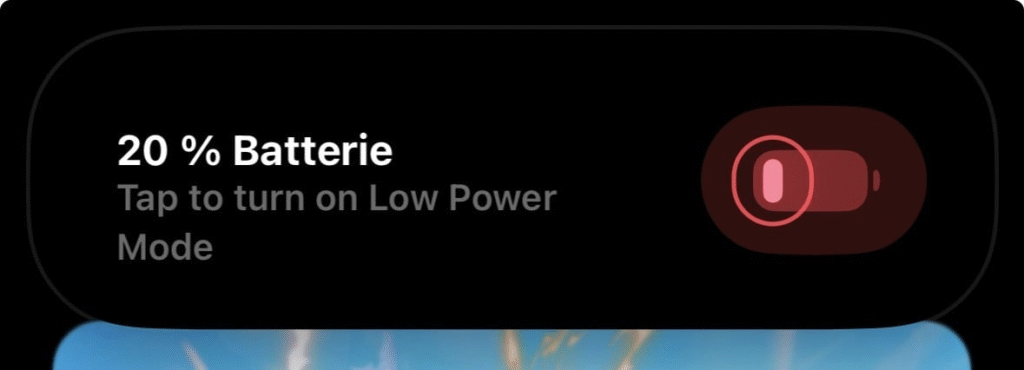
The WLAN symbol in the Control Center now shows when it is long pressed whether a network is private or public. Password-protected networks also receive a lock symbol, which makes the security information recognizable at a glance. Apple also added a siri function that recognizes when users travel and automatically make suggestions for the mobile phone connection abroad. In the Wallet app, the “Payments” button for the Apple Card was renamed “Preauthorized Payments” in order to describe the function more clearly. When the iPhone reaches 20 percent battery level, a warning notification now appears.
In contrast to previous betas, the liquid glass design in the fifth beta seems to have remained unchanged. Apple had defused the appearance of the user interface in Beta 3 and gave it a frost -like look. The final version of iOS 26 with this new aesthetics will be published together with the new iPhone models in September.

Digital marketing enthusiast and industry professional in Digital technologies, Technology News, Mobile phones, software, gadgets with vast experience in the tech industry, I have a keen interest in technology, News breaking.