AVM is following up with an update for X6, C6, C5 and C4
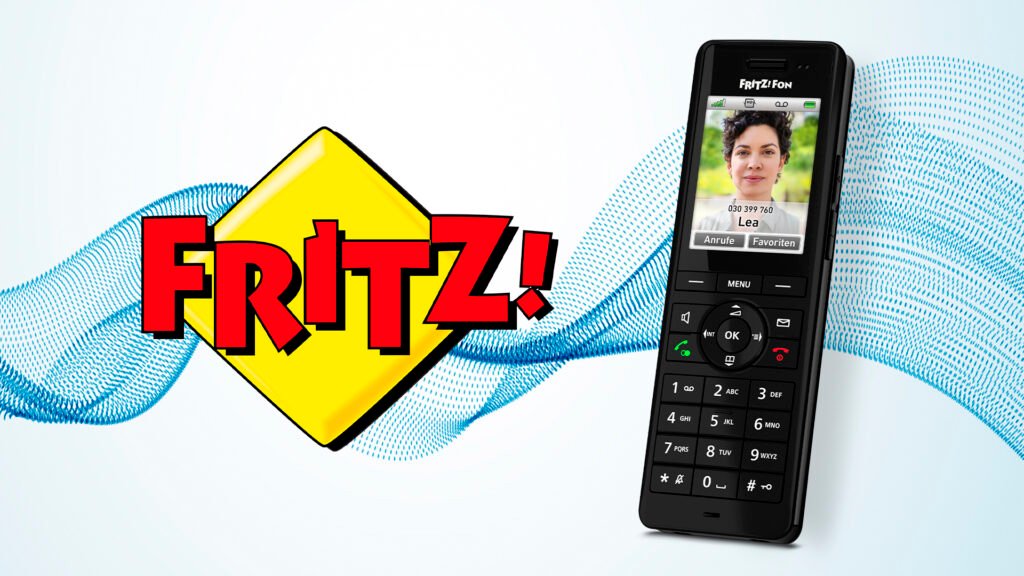
After the extensive update for the popular FritzFon DECT models X6, C6, C5 and C4 in December, AVM has now released another update. Distribution has already begun, the new version brings an improvement.
Bug fixes for DECT phones
So far, very little is known about the exact content of the update. As usual, AVM has a firmware update on the Website under “Service/Update News” published a short message. So far it only says that the new version 5.11 introduces an improvement, namely adjustments for an even more contrasting display of the fonts. No other changes were listed there; If anything else becomes known, we will add it here later. As part of the update news, AVM informs that updates can also contain unspecified improvements and security-relevant changes at any time and should therefore always be installed promptly.
Update for compatible devices
The update is available for the FritzFon models X6, C6, C5 and C4. However, the prerequisite is a FritzBox with Fritz OS 7.90 or higher. Users who are still operating their FritzBox with older firmware versions will not be offered the update. AVM released a comprehensive function update for FritzFon users just a few weeks ago. A new addition was a dark mode for the display, improved audio quality for hands-free calling and a redesigned user interface. AVM regularly adds practical new functions to its DECT telephones via firmware updates.
This is how you get the update
Installation is extremely easy: users can initiate the update via the “Settings” menu and the “Software version” item. AVM recommends carrying out the update quickly to benefit from the improvements. How do I update my FritzFon? On the phone, press the Menu button and navigate to Settings. Select “Software update” or “Software version” and confirm with OK.
The phone automatically searches for updates. If a new version is found, you can start the installation with OK. After a restart, the update is complete. How long does the update take? Transferring the new software to the FritzFon usually only takes a few minutes. This depends on the size of the update. After the transfer, the phone will reboot, which may take a few more minutes.
The phone should not be turned off during the entire process. Is data lost? During a software update, your personal settings and data are usually retained on the FritzFon. This applies to phone books, ringtones and settings. However, it is advisable to back up important data beforehand or regularly. You can save the contacts in the FritzBox interface, for example. Update failed – what now? If the update fails, you should first restart the FritzFon and repeat the update process.
This often solves the problem. If the update fails repeatedly, check the FritzBox connection and make sure that the phone is sufficiently charged during the update. Is the update important? Software updates from AVM are free and expand the functions of the FritzFon. They may also contain important security improvements.
Regular updates are therefore recommended, but are not mandatory for basic phone functionality. Does the FritzBox have to be updated? Yes, the FritzBox should be updated to at least FritzOS 7.90 before the phone update. The version of the FritzOS directly influences which software version is available on the phone. You can carry out the FritzBox update via the box’s web interface. Only then should you update the FritzFon.

Alexia is the author at Research Snipers covering all technology news including Google, Apple, Android, Xiaomi, Huawei, Samsung News, and More.











