Death of the Control Panel – Microsoft Removes Options again
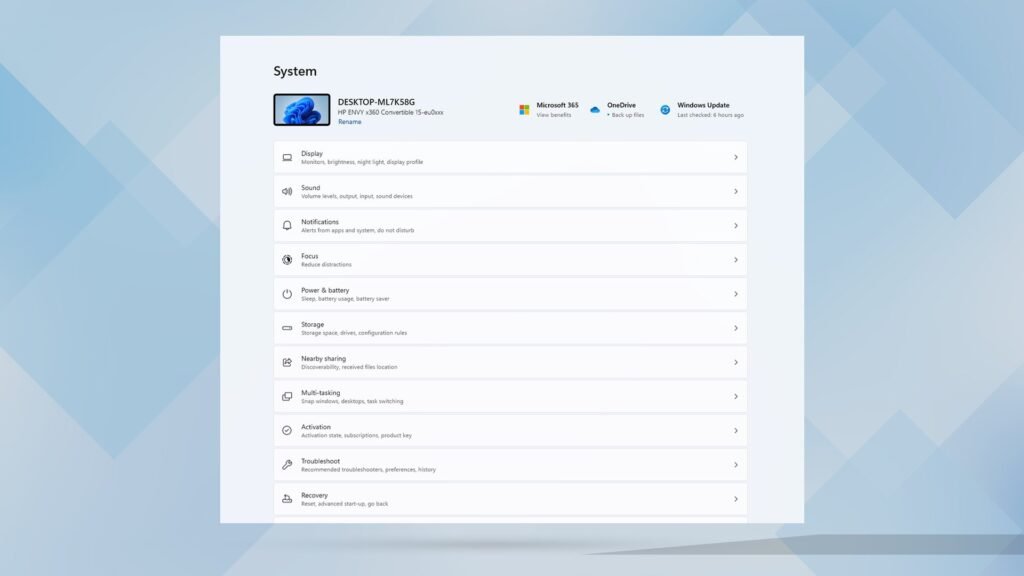
Microsoft continues the gradual abolition of classic control control in Windows 11. Now there are options for the keyboard to the modern settings app. The change is currently still hidden in insider builds.
Windows settings move around
Microsoft continues its long-term plan to gradually replace the classic control control in Windows 11 with the modern settings app. The latest Windows 11 Insider Builds for the Dev and Beta Canal now contain another migration. The speed settings of the keyboard are shifted from the control system to the settings.
Specifically, these are two functions. On the one hand, the delay of the repetition of the character (how long a button has to be pressed before a sign is set again) is shifted. On the other hand, Microsoft migrates the repeat rate (how quickly signs are repeated). As before, users can adjust these parameters via sliders in the new implementation and test the settings directly in an input field.
Hidden function in current insider builds
The change was made by the well-known Windows insider @Phantomofearth on X Discovered and shared. The account is known for its ability to track down hidden functions in Windows pre-adversions, which Microsoft has not yet officially announced.
As Phantomofearth reports, the new function in the current insider builds is deactivated by default. After activation, users will find the new settings under “Settings> Barrier Freedom” keyboard “. In stable Windows 11 versions, these options are still located in the control system under “keyboard> speed”.

Long -term strategy
The conversion of the keyboard settings is part of the slow but constant strategy of Microsoft to replace the control system that has existed for decades with the more modern settings app. This process already started with Windows 8 and was continued with Windows 10 and 11. However, migration is far from over. There are still a number of settings only in the Control Panel.
More migrations in recent times
In the past few months, Microsoft has already transferred several other functions from the control control into the settings. This includes, for example, the options for traces of mouse and to hide the cursor during the text input. The gradual migration illustrates Microsoft’s striving to modernize Windows 11 and standardize the user interface. At the same time, the company is careful not to unsettle long-time Windows users who are familiar with classic control control and are satisfied.
Essential system control
Control control has been an integral part of the operating system since Windows 1.0 (1985) and has developed into an extensive configuration center for almost four decades. With Windows 8 (2012), Microsoft introduced the modern settings app for the first time, which initially only offered basic functions.
Since then, the company has been pursuing the strategy of operating both systems in parallel and gradually migrating functions. For powerusers and IT administrators, the control system continues to have an important tool, since it still offers deeper configuration options in many areas than the settings app. The complete replacement is therefore likely to take a few more years.