Everything You Need to Know About Microsoft Office 2021: Features, Compatibility, and More
“Get the ultimate guide to safely download Microsoft Office 2021! Our step-by-step guide makes it secure & easy!”
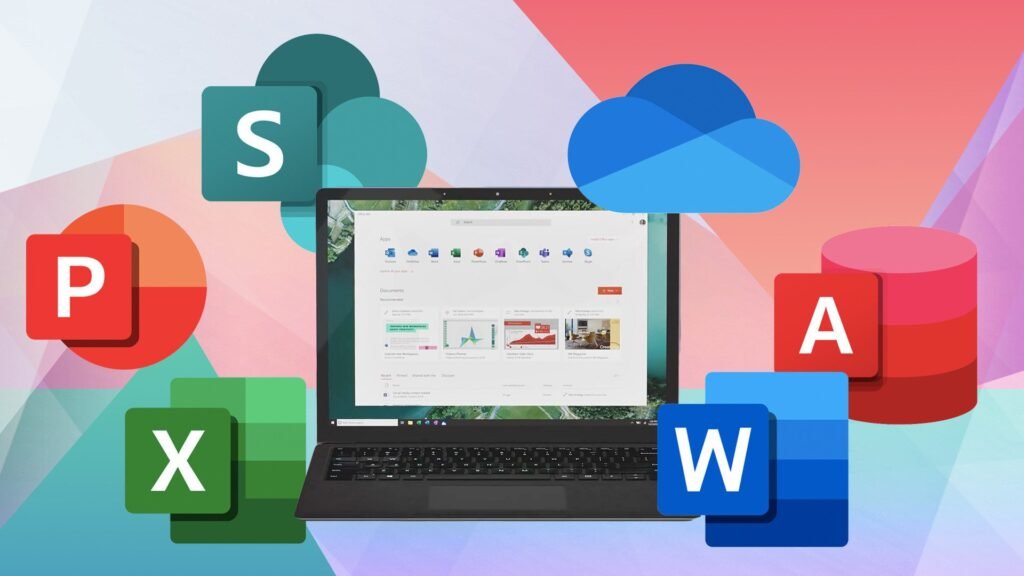
Microsoft Office 2021 is the latest version of the popular productivity suite, featuring updates to key applications such as Word, Excel, PowerPoint, and Outlook. The suite is designed for both personal and professional use, providing tools for document creation, data analysis, and presentations. It introduces enhanced collaboration features and an updated user interface, improving performance and overall user experience.
Acquiring a legitimate version of Microsoft Office is important for ensuring the integrity of the software and protecting sensitive data. Opting for a trusted Microsoft Office 2021 Download ensures you receive all the necessary updates, support, and security features. Unauthorized versions can carry malware or lack important updates, compromising security. Using legitimate versions ensures reliable support, continuous updates, and compliance with licensing agreements, contributing to better cybersecurity.

Understanding Microsoft Office 2021
Microsoft Office 2021 offers numerous enhancements aimed at boosting productivity. Key updates include a modernized interface, real-time co-authoring, and improved data analysis tools in Excel. New templates and updated functions across applications like Word, PowerPoint, and Outlook further enhance the user experience.
Staying updated with the latest software ensures efficiency, streamlines workflows, and allows users to stay competitive in a rapidly changing work environment. Regular updates help teams maintain productivity and tackle challenges effectively.
Official downloads are essential for security. They reduce the risk of malware, provide access to customer support, and often include regular updates. Additionally, using legitimate software supports developers and promotes industry innovation, ensuring a reliable and secure experience.
Determining Microsoft Office 2021 Compatibility
To run Microsoft Office 2021, users need either Windows 10 or later or macOS 11 and above. The minimum hardware requirements include a 1.6 GHz processor, 4 GB of RAM, and at least 4 GB of available disk space. A DirectX-compatible graphics card is recommended for optimal performance.
To check compatibility, compare your system’s specifications to the requirements listed by Microsoft. Diagnostic tools or apps can help assess hardware capabilities, and updating drivers can improve performance. If your device doesn’t meet the specifications, consider upgrading the hardware or adjusting the software settings to ensure smooth operation.
Choosing the Right Version of Microsoft Office 2021
Microsoft Office 2021 is available in several versions to meet different user needs. The standard edition includes essential apps like Word, Excel, and PowerPoint, while the Professional version adds Access and Publisher for advanced users. Users should consider factors like functionality, compatibility, and price to select the version that best suits their needs.
Trial versions are available to help users evaluate the software before committing to a purchase. These trials provide full or limited access to features for a set period, allowing potential customers to make informed decisions.
Navigate to the Official Microsoft Website
To access the official Microsoft website, open a web browser and type the URL directly or search for it online. Ensure the website is secure (look for HTTPS) before clicking on links. Once on the site, explore the available resources and information.
Be cautious of unofficial websites that may pose risks. Look for signs like poor design, misspellings, or insecure connections (lack of HTTPS), which could indicate fraud. Always verify the legitimacy of a website before sharing personal information or making purchases.
Activating Microsoft Office 2021
To activate Microsoft Office 2021, open any Office application and enter the product key, typically found in the confirmation email or a card in the product box. Follow the on-screen instructions to complete the activation process and unlock all features.
To avoid issues, ensure the product key is entered correctly and check for system compatibility before activation. If activation problems occur, verify the key’s authenticity, check internet connectivity, and temporarily disable antivirus software if necessary.
Updating and Maintaining the Software
Regular updates are essential for keeping Microsoft Office 2021 secure and functional. Enable automatic updates through the application or Windows Settings, and subscribe to Microsoft’s notifications about updates and security vulnerabilities.
To maintain the software, focus on regular updates, bug fixes, and functionality improvements. Consider automated testing and version control to ensure smooth performance, and gather user feedback to continually enhance usability and meet evolving needs.
FAQs
Do I need to uninstall Office before installing Office 2021?
Typically, it is unnecessary to uninstall previous Office versions before installing Office 2021. The new version can coexist with older editions. However, if compatibility issues arise, Microsoft recommends uninstalling previous versions.
What is safe mode for Microsoft Office programs?
Safe mode is a diagnostic mode in Microsoft Office that runs applications with minimal features to help troubleshoot issues. It disables add-ins and custom settings, allowing users to identify and resolve conflicts caused by third-party elements.
Can you buy Microsoft Office 2021 for a lifetime?
Yes, Microsoft Office 2021 can be purchased as a one-time buy, providing lifetime access to the software. Unlike subscription-based versions like Microsoft 365, this standalone package requires a single payment and does not have recurring fees. However, future updates and new features may not be included.

Alexia is the author at Research Snipers covering all technology news including Google, Apple, Android, Xiaomi, Huawei, Samsung News, and More.