Fresh laboratory fixes several problems with 2 Fritzboxes
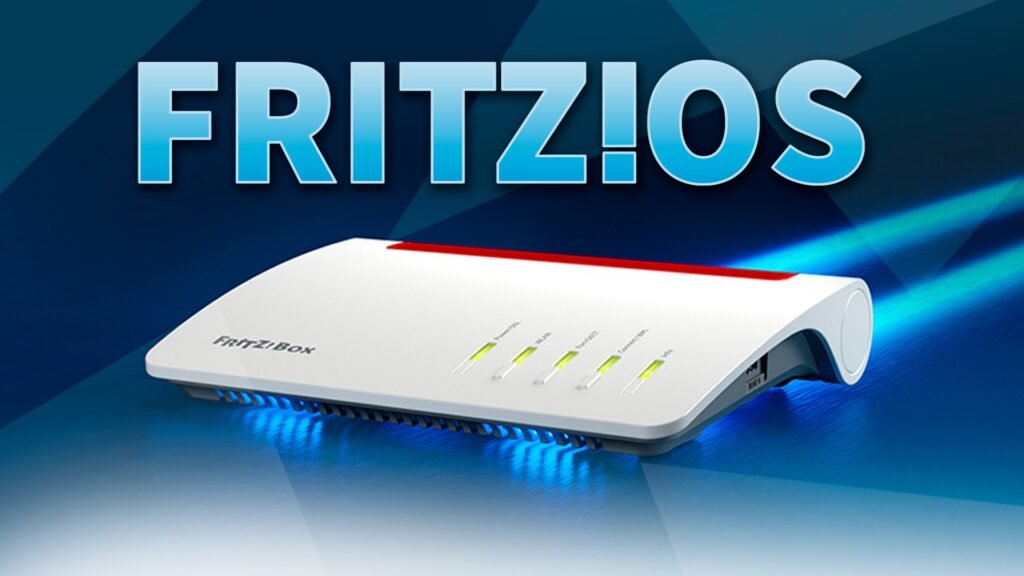
In the middle of the month, AVM again released new beta software for some of its routers, which are currently participating in the company’s laboratory. With the current update, you primarily fix some mistakes in the areas of internet and WiFi.
New version of Fritzos 8.10
At the moment there are only three Fritzbox models in the AVM laboratory. The frequency with which the Berlin network specialists provide new beta software is correspondingly low. The last update has been two weeks ago and improved, among other things, the communication of the three routers with HAN-FUN devices.
At least you could recently make the headlines slightly larger with the announcement of the Fritzbox 5690. The fiber optic router will be available outdoors for customers over the course of the year. The new Fritz laboratory, which was published today, now brings some error loans again. The update of Fritzos 8.10 now available for download:
- Fritzbox 7590 AX – version: 8.10-120699
- Fritzbox 7590 – Version: 8.10-120696
AVM fixes problems
The two DSL routers are improved in the areas of internet, telephony and system. Among other things, an error was remedied in which, according to the factory settings, the Internet was not accessible despite the connection. In addition, downloading fax messages via the call list on the user interface will no longer lead to deregistration.
Messages on the Fritzboxen answering machine can now be listened to via the user interface. The fact that an indication of a deactivated update search was displayed, although the automatic search was active, is now also a thing of the past. The Fritzbox 7590 AX also receives a further error correction. With the more powerful of the two models, the router in the user interface is no longer displayed as an IP client.
Download and installation
As always, the new laboratory firmware for the two DSL routers can be directly Laboratory website be downloaded. Then users can unzip the ZIP file and play the image contained therein using the user interface of your AVM router under “System”> “Update”. As always, however, the settings should be secured beforehand, as problems with beta firmware can always occur. A backup clearly facilitates the return to the previous state of the Fritzbox.












