Google May Introduce Swipe Gesture to Launch Gemini Live Directly
Summary:
- Google could soon simplify starting a Gemini Live conversation.
- A new swipe gesture from the bottom corners of the screen may allow users to launch Gemini Live directly.
- Currently, users need to tap the Gemini Live button within the app or overlay to access the feature.
Google is exploring new ways to make interacting with its AI assistants more seamless. Android users already have multiple ways to summon the Google Assistant, including saying “Hey, Google” or “OK, Google,” long-pressing the power or home buttons, tapping the microphone icon on the Google Search widget, using a home screen shortcut, or swiping diagonally from the bottom corners of the screen. These shortcuts also work if you’ve set Gemini as the default assistant on your device. However, Google appears to be repurposing one of these gestures specifically for launching Gemini Live.
Streamlining Gemini Live Access
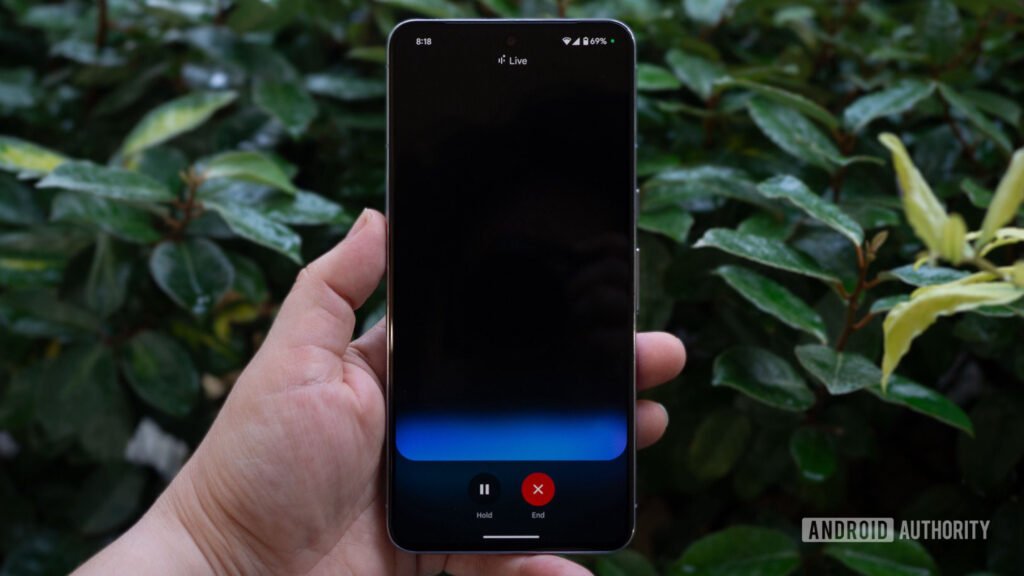
Currently, accessing Gemini’s conversational mode involves tapping the Gemini Live button within the app or overlay. However, an APK teardown of the Google app version 16.2.39 has revealed an upcoming feature that could make things more convenient. With this update, swiping diagonally from the bottom corners of the screen might directly open Gemini Live, skipping the overlay step entirely.
This streamlined gesture promises a smoother and faster experience. A video accompanying the discovery (embedded below) showcases the functionality in action, highlighting how the new swipe gesture launches Gemini Live directly instead of bringing up the Gemini overlay.
What to Expect from the Rollout
As of now, the feature is still in development and not live in the current public release. Google could introduce this change in a future update. However, it remains unclear if the swipe gesture will default to launching Gemini Live or if users will have the choice to switch between Gemini’s standard mode and its conversational mode. We’ll need to wait for the wider rollout to confirm these details.
A Word of Caution
Keep in mind that APK teardowns examine work-in-progress code to predict potential future features. While these findings often point to upcoming updates, there’s no guarantee that all features will make it to a public release.
Stay tuned for more updates on Gemini Live’s evolving functionality. For now, if you’re interested in trying out Gemini, you can still access its conversational mode via the app or overlay.
This story is part of Authority Insights on Android Authority, your go-to source for exclusive reports, app teardowns, leaks, and in-depth coverage of all things tech.

Digital marketing enthusiast and industry professional in Digital technologies, Technology News, Mobile phones, software, gadgets with vast experience in the tech industry, I have a keen interest in technology, News breaking.











