Google Pixel’s Now Playing Feature Faces Issues
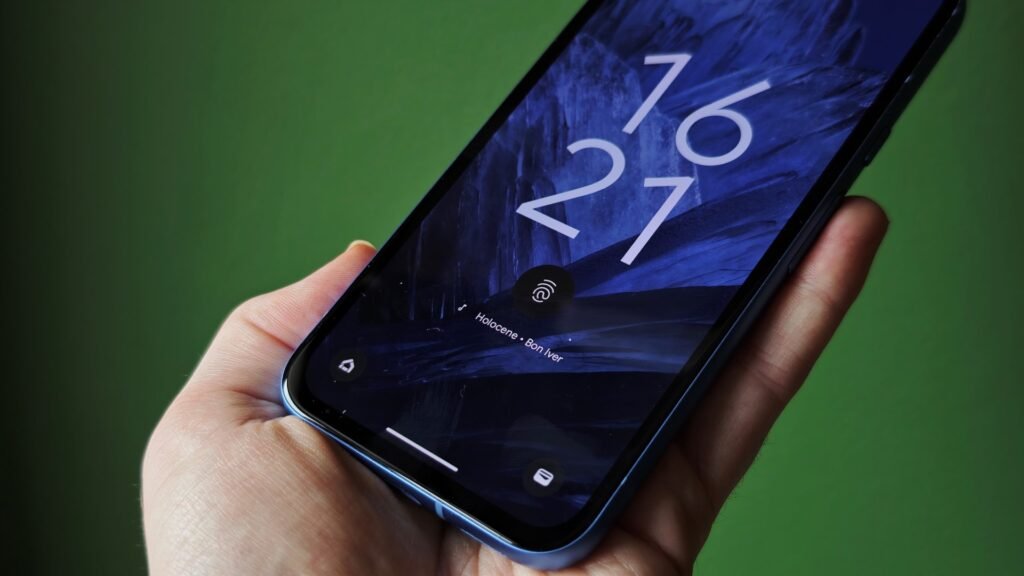
The Now Playing feature, one of the standout functions for Google Pixel smartphones, hasn’t been functioning as expected lately. Known for its ability to identify background music automatically, this feature has been a favorite among Pixel users since its introduction on the Pixel 2.
When working properly, Now Playing identifies any music playing in the background and displays the track name directly on the lock screen. It also logs the identified songs in the Now Playing app for future reference. However, recent reports suggest that this feature is falling short for many users.
What’s Happening with Now Playing?
According to a report by Android Authority, the Now Playing feature has stopped reliably identifying music for some Pixel owners. Numerous users on Reddit have voiced their frustrations, stating that their devices fail to detect tracks even though the feature is enabled in settings.
This issue seems to have cropped up recently. As one user shared, “With my Pixel 6, it was fantastic. It would recognize nearly every song, whether automatically or manually. But now, it hardly works at all.”
Personal Experiences with the Issue
Some users are experiencing these problems intermittently. On a Pixel 9 Pro, for instance, the feature sometimes works as intended, logging a series of songs seamlessly. Other times, it fails to identify multiple tracks in a row.
A similar issue was observed during a casual evening at a bar. Both a Pixel 9 Pro and a Pixel 7a failed to recognize the funk and soul tracks playing in the background.
Testing the feature further, one user played three songs from YouTube Music to see if Now Playing would pick them up. Out of the three, only the final track was identified.
Is Now Playing Broken?
While some issues could be anecdotal, multiple reports from Pixel users indicate that the problem is more widespread. Google’s Issue Tracker first documented this concern last year.
In January, Google released an update to Android System Intelligence, claiming it included “bug fixes and improvements to Pixel Now Playing Album Art feature.” However, this update doesn’t appear to have resolved the problem for many users.
For those facing issues, one potential solution is clearing your Now Playing cache. To do this:
- Go to Settings > Apps > All Apps > Android System Intelligence > Storage and Cache
- Tap “Clear Cache”
If this doesn’t work, users will have to wait for Google to release a more comprehensive fix for the Now Playing feature.

Research Snipers is currently covering all technology news including Google, Apple, Android, Xiaomi, Huawei, Samsung News, and More. Research Snipers has decade of experience in breaking technology news, covering latest trends in tech news, and recent developments.











