How Startups Can Scale Faster with No-Code Automation: Lessons from Planfix Users
Early in the business process, things move fast. However, chaos creeps in just as rapidly. That’s to be expected when work lives in sheets, chats, and shared inboxes, tasks get passed along by voice, and every tweak takes more time than you have. What you need is speed, but spinning up engineers for each automation is costly and slow.
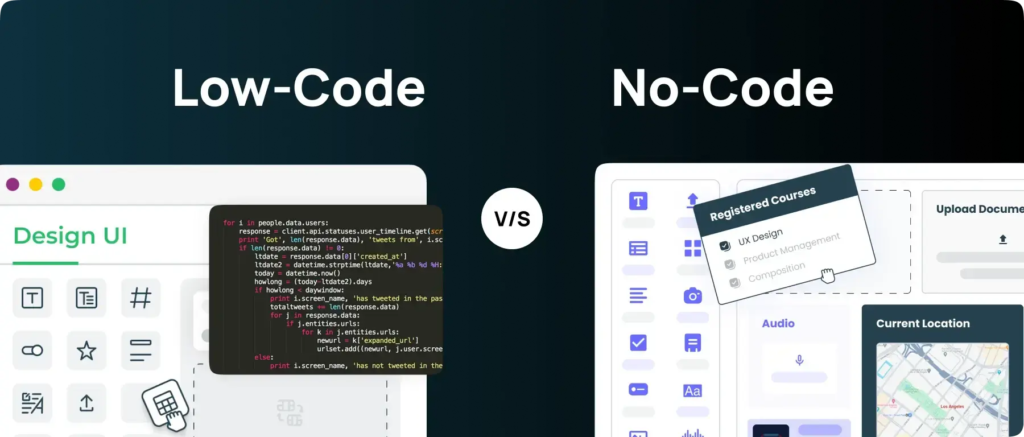
That’s where no-code comes in. Basically, it’s like having an in-house dev team without the extra hires. Planfix works as the startup’s operating system, letting you set up, adjust, and launch anything from sales to onboarding to support – no coding required.
Why No-Code Automation is a Strategic Lever – Not Just a Convenience
No-code lets founders and ops leaders tweak and redesign workflows themselves, without waiting on engineering or tearing up the stack.
Here are a few things that modern no-code brings to the table:
- Rapid adaptation. When the product shifts, processes adjust in hours instead of weeks.
- Less key-person risk. The system runs predictably, even if the original “builder” isn’t around.
- A steadier client experience. Rules and triggers keep every stage consistent, reducing errors and delays.
With Planfix, you model core objects like clients, deals, requests, and projects, then automate them with the help of no-code scripts and Planfix AI.
Planfix User Stories: What Startups Automate First
Planfix is a broad toolkit, and different startups apply it in different ways. Here are just a few of the first areas teams tend to automate. As you’ll see, they tend to be the ones that move the numbers: faster responses, less manual work, and no dropped tasks.
Automating Lead Generation and Qualification
Early-stage teams often drop inquiries. Emails might land in spam folders, or chat messages may go unnoticed. With Planfix automation, every incoming channel (forms, email, chats) becomes a structured task or deal. The system assigns a supervisor, sets due dates and source tags, and Planfix AI classifies the request, sets a priority, and drafts suggested replies.
Net effect: response time shrinks 2–3x, and missed leads virtually disappear.
Standardizing Client Onboarding
When growth kicks in, onboarding will vary by manager. This can cause delays and an uneven client experience. That’s where Planfix comes in:
- Build process templates and checklists.
- Auto-generate follow-ups when a deal flips to “won.”
- Nudge both the client and the manager with reminders.
Outcome: Onboarding quality stays consistent no matter who runs the account.
Optimizing Support and Internal Requests
Early on, client and employee requests scatter across inboxes, private chats, and DMs.
Planfix handles this by:
- Auto-converting emails and messages into tasks.
- Routing requests by topic, priority, and client type with no-code flows.
- Utilizing auto-replies and first-pass classification powered by Planfix AI.
Result: SLAs are hit more often, nothing slips through the cracks, and workloads are spread evenly across managers.
Cutting Operational Busywork
Repetitive tasks are major time thieves. In Planfix, startups can automate reminders for renewals, trial endings, payments, and approvals. This way, task statuses are automatically updated, notifications reach the right people, and Planfix AI helps assemble clean emails, reports, and task summaries.
That means less manual effort and more time for product work and clients.
Even without an engineering team, a startup can automate repeatable processes in Planfix and move at a pace usually reserved for companies with in-house IT.
How to Get Organized with Planfix in Three Months
If you’re bringing Planfix into your workflows, we recommend you break the rollout into stages. Here’s a practical three-month roadmap:
Days 1–30: Centralize and Tidy Up
First, get everything in one place. Pick the three most time-consuming manual processes and move them into Planfix as tasks and projects. Add only the basics: tags, deadlines, and auto-assignment. This will be your foundation for future automation.
Days 31–60: Switch on Smart Flows
With processes centralized, you can layer on automation. This is when you configure SLAs, auto status changes, triggers, and reminders. Let Planfix AI handle classification, draft texts, and quick summaries. Meanwhile, build role-based dashboards for founders, sales, support, and others, so you can monitor performance in real time. You now have an operating system that’s ready to scale.
Days 61–90: Refine and Expand
When the base is stable, focus on improvements. Every 2–3 weeks, review bottlenecks and edge cases, tweak templates and workflows, and add new channels, such as forms, shared mailboxes, and partner leads. This will ultimately result in steady growth, reduced chaos, and the ability to scale without losing control.
Don’t Stop at “Good Enough”
If you want automation to fuel growth, you need to keep measuring and improving it. Check in regularly to evaluate response times, SLA adherence, the amount of manual work creeping back in, and where bottlenecks appear. When the numbers slip or the load spikes, you can fine-tune the system: refreshing templates, tightening rules, adding new triggers, and widening your automation.
This cadence doesn’t just preserve order – it makes it stronger as you scale.
Ultimately, the winners are the teams that turn their no-code platform into a true business OS. This is what allows them to scale faster, remain stable, and keep control even when growth is at full speed.

Alexia is the author at Research Snipers covering all technology news including Google, Apple, Android, Xiaomi, Huawei, Samsung News, and More.