Microsoft Delays Offline Calendar Feature for New Outlook to August 2025

Microsoft has postponed the delivery of an important offline function for the new Outlook client planned for June 2025. According to current roadmap information, the distribution now only begins in mid-August and is expected to be completed by mid-September.
New schedule for offline calendar
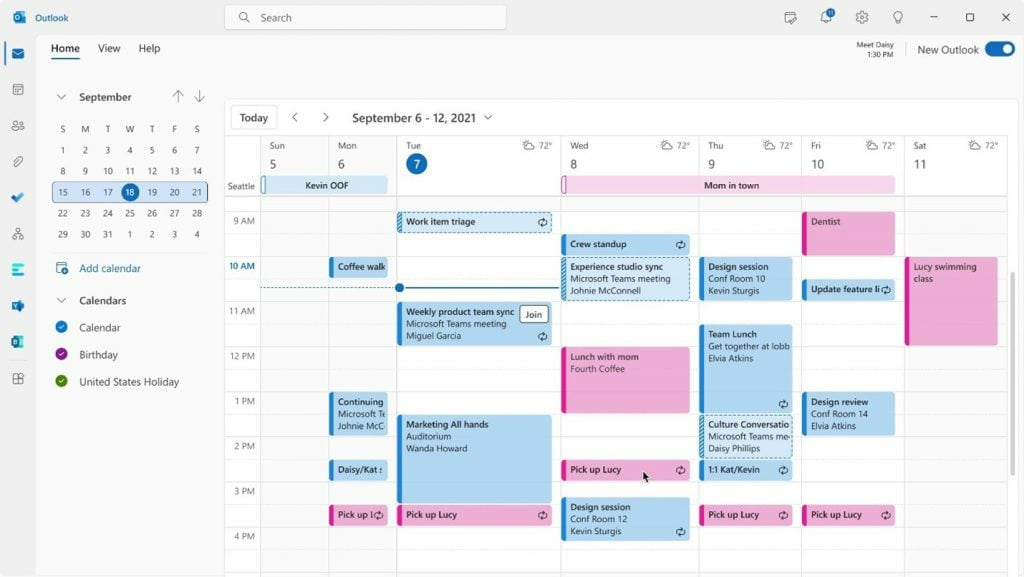
We are talking about the possibility to create, edit and delete calendar entries without an active internet connection. The function had already been announced in May and it was said that the start for all users would be imminent. The Microsoft 365 Roadmap entry (ID 490059) announced the new function as follows:
We add more offline functionality in the new Outlook for Windows. You will now be able to create, edit and delete events in your calendar if you are not connected to the Internet. Microsoft Support
Now, however, there was a changed message about the Microsoft 365 Admin Center, by announcing Microsoft administrators that the start was postponed and the schedule for general availability was adjusted accordingly.
The new offline function is particularly interesting if you work on the go and, for example, work in areas with poor network coverage or want to remain productive during train or air travel. The new appointment for the start is now August. Microsoft has gradually introduced offline support for the email area last year, so that users can access their messages even without an internet connection. The calendar expansion represents another important component in this development.
Classic Outlook vs. new Outlook client
The new Outlook client should replace the classic Outlook application in the long term. However, this has met with resistance for many users, since important functions have been missing so far. The classic desktop version of Outlook has been offering extensive offline functionalities for years that many business customers consider indispensable.
Microsoft recently adapted its strategy and now enables users to be able to use both the classic and the new Outlook client at the same time. This indicates that the company wants to make the transition more carefully so as not to upset paying customers.