Microsoft shows new AI functions for Outlook

As part of Build 2025, Microsoft starts his “Wave 2” renovations for Copilot. The AI extensions integrate deeper into email, document creation and research in order to make work processes more efficient and simplify routine tasks.
AI tools become more powerful
Microsoft 365 Copilot is now an integral part of many office applications. With the “Spring Release”, ie the spring update 2025, the second generation is now starting with new functions, which are primarily intended to improve comfort and efficiency in everyday work. The first update from this second wave was in advance in autumn 2024. It is currently not entirely clear whether the innovations only relate to the start outside the EU, as Microsoft does not start everything worldwide at the same time.
Copilot becomes more suitable for everyday use
Among other things, a new Copilot app is introduced, which is more designed for cooperation with users. Practical for everyone who has to juggle with many files and content: With the new “Create” feature, texts and images can be generated more intuitively in the future. The photo generation is now also supported by Openais powerful GPT-4O model.
Outlook: More overview in the mailbox
According to the announcement for users of Microsoft Outlook, progress becomes particularly noticeable. Thanks to improved AI functions, Copilot can now summarize emails, display relevant files directly in the news context and support them in preparing for meetings, for example through automatically compiled background information, task lists and documents.
Above all, this saves time and nerves and is aimed at both private frequent users and companies. Also new: The so -called “Copilot Notebooks”, with which information and data can be analyzed directly and converted into structured content. This function is now generally available. Copilot Memory should also start in June – a memory for past inputs and work steps that can suggest suitable content.
Copilot Pages: Create and share content on the go
Another component of the new AI strategy is the copilot pages. These make it possible to create a edible page directly from a copilot response – mobile, on the PC or in the web browser. Also new is the option to convert these pages into a Word document with just one click. Microsoft thus closes an important gap between AI-based content and the well-known work processes in Microsoft Word.
For whom this is important
In addition, pages are now easier to search and filter – a welcome help with extensive projects. Interactive diagrams and code blocks that can be generated on request round off the update and make copilot pages particularly interesting for developers, analysts and content manufacturers. For private users, the update means more comfort and less effort for routine tasks such as emails, notes and word processing.
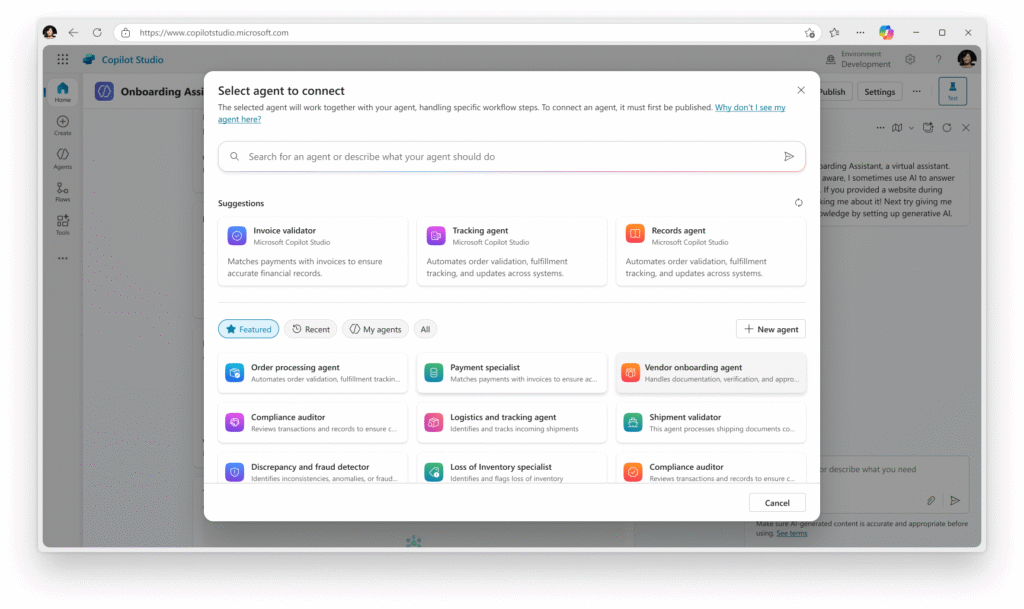
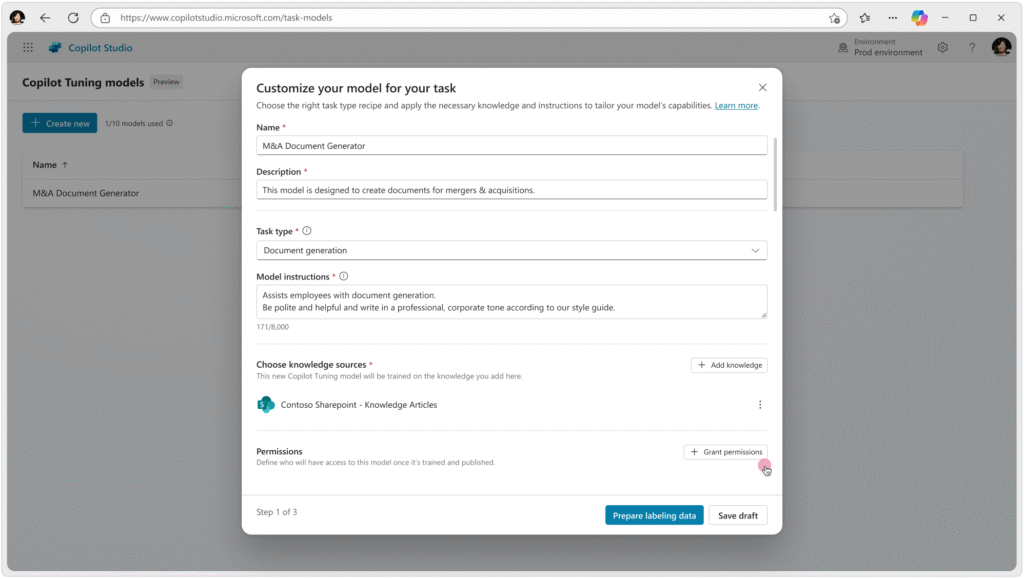
A real productivity boost opens for companies – especially when many employees work with the same tools and want to divide their content more easily in the future. Large companies (from 5,000 copilot licenses) still have access to new Copilot studio functions. Microsoft thus makes it clear that Copilot is not a future music – but a practical tool that more and more moves into everyday digital life. Do you use it accordingly?