One UI 9 Update: Samsung brings AirDrop to Galaxy A56 and A57
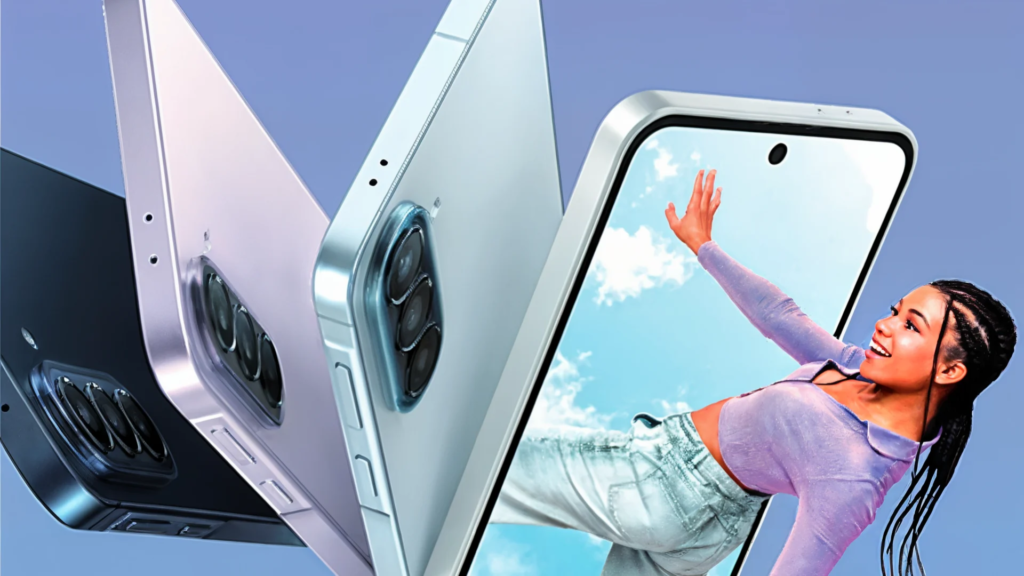
With the October update to One UI 9.0, AirDrop support is coming to the Samsung Galaxy A56 and A57. Users can now transfer photos, videos, etc. locally to iPhones or Macs via Quick Share. Previously, the feature was only available for premium devices.
Secret function for the middle class
Samsung expands compatibility for cross-system file sharing. In October, the Galaxy A56 and Galaxy A57 smartphone models will receive the update to One UI 9.0. This introduces a new function: The devices now support direct file transfer via Apple’s AirDrop protocol. Users can send high-resolution photos or videos locally to iPhones, iPads or Macs without having to resort to cloud services or compressing messengers.
The new function appears directly in the smartphone settings, although Samsung does not mention it in the official update changelog. Previously, native exchange with Apple hardware was exclusively reserved for premium devices such as the Galaxy S26 or Galaxy S25 series and selected Pixel models. Like users, among other things on Reddit report, the function now also reaches the mid-range with the Galaxy A56 and A57.
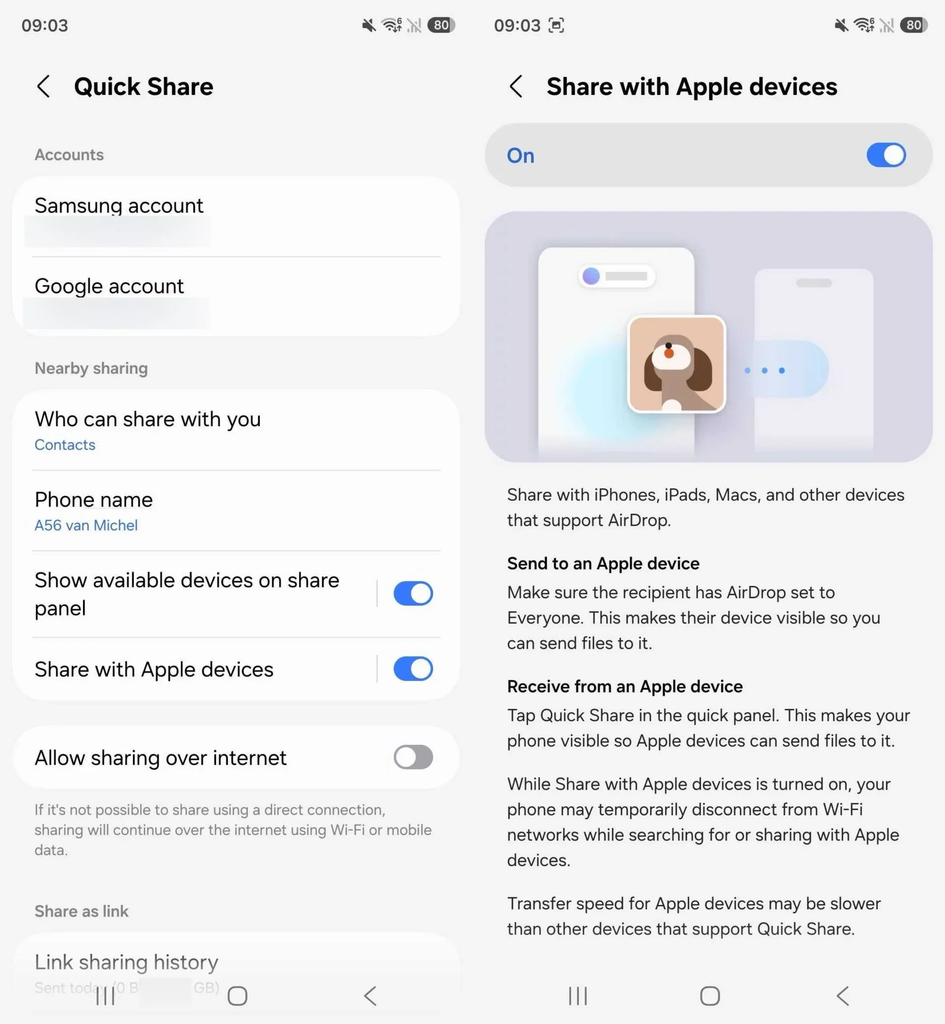
This is how data transfer works
In order for the exchange to work, users do not need any additional software. The function is integrated directly into the system’s own Quick Share. Depending on the model, the switch for “Share for Apple devices” must be activated in the settings under “Connected devices” and “Quick Share”. Additionally, Quick Share and its associated components should be updated via the Galaxy Store. In order for the sending Android smartphone to find the Apple device, AirDrop visibility must be temporarily set to “For everyone” on the receiving iPhone or Mac. The Apple device then appears in the regular Quick Share sharing menu. The actual transfer takes place completely locally via a combination of WLAN and Bluetooth.
Limitations on transmission
During the process, the original resolutions of the images and videos are completely preserved. However, according to Samsung, the Galaxy A56 may temporarily disconnect from active Wi-Fi when searching for Apple devices or during large transfers. The transfer speed may be slightly slower than when exchanging data between two Samsung devices. In a practical test Transferring an album with over a hundred images and around one gigabyte from the iPhone to a Pixel smartphone took about three minutes, although the speed may depend on the device in question.

Research Snipers is currently covering all technology news including Google, Apple, Android, Xiaomi, Huawei, Samsung News, and More. Research Snipers has decade of experience in breaking technology news, covering latest trends in tech news, and recent developments. Can be reached at author1@researchsnipers.com