What Upgrading to Windows 11 Pro Actually Costs in 2026
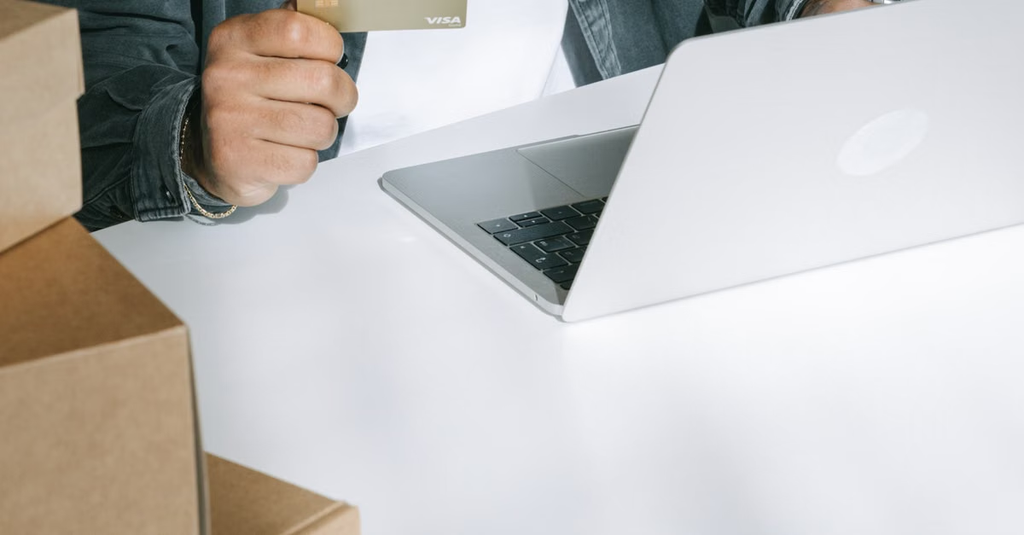
A Windows 11 Home PC does not necessarily need a $199.99 purchase to switch to Pro. That figure is the price on Microsoft’s US listing for a full Windows 11 Pro download, as checked on October 22, 2026. An in-place edition upgrade from an already activated Home installation is a separate purchase, and its current price is shown through the Microsoft Store flow on the PC. Lower-priced product keys add another option, but comparing the numbers alone misses what each purchase includes.
The $199.99 figure is for a full Pro license
Microsoft’s Windows 11 Pro download listing shows a US price of $199.99 for a new license, as checked on October 22, 2026. That is a useful reference point for a PC that needs Windows, but it should not be treated as the automatic cost of changing an existing, activated Windows 11 Home installation to Pro. Buying a new license and paying to upgrade an edition already installed on a PC are distinct transactions.
For a Home PC, the relevant Microsoft comparison starts in Settings > System > Activation, where the option to upgrade the edition opens the Microsoft Store purchase flow. The amount displayed there is the current price to compare with other offers before paying; a full-download listing or third-party estimate does not establish that upgrade price. Someone who already has a suitable Pro product key can instead use the Change product key option. Entering an existing key is not itself another Store purchase, although the key must carry the rights needed for that PC.
It also matters whether Windows 11 Home is activated already. An edition change on an activated Home installation is a different starting point from installing Windows on a machine without a usable license. Comparing offers without identifying that starting point can make an apparently cheaper option look more relevant than it is.
What Pro adds—and when those features justify the cost
Pro is mainly a purchase of additional capabilities, not a general speed upgrade. Its features include BitLocker drive encryption, the ability to host a Remote Desktop connection, Hyper-V virtualization, Windows Sandbox, and joining a workplace domain or Microsoft Entra ID. Those differences can matter on a work-managed laptop, a PC accessed remotely, or a machine used to run virtual machines and test software.
The distinction between using Remote Desktop and hosting a connection is particularly easy to miss: a person who only connects from a PC to another machine should identify which device actually needs to act as the host. Likewise, the appeal of virtualization depends on what the buyer intends to run and whether the hardware supports it. Pro’s feature list is worth matching to a specific task rather than treating it as an all-purpose improvement to everyday browsing, streaming, or office work.
Before pricing an upgrade, a Home user can name the feature that is missing and check whether the PC meets its requirements. Microsoft’s Windows 11 specifications provide a starting point for hardware compatibility. Paying for a different edition will not fix an incompatible device or make applications inherently faster.
Lower-cost keys need more than a successful activation
Third-party listings can cost less than Microsoft’s full-license price. Nerdused, for example, sells a Windows 11 Pro product key. The comparison to make is not simply the displayed discount against $199.99: it is the price for the license terms the buyer actually needs, checked again at checkout.
Listings may use terms such as OEM and retail. Broadly, those labels describe different licensing channels, but the rights that matter—particularly which device may use the license and whether it can be moved to another PC—must be checked against the terms of the specific offer. A buyer planning to replace a computer soon has a different concern from someone upgrading one machine they expect to keep. A low price is less useful if the license does not fit that plan.
Online activation is another important check, but it answers a narrower question. A key that activates demonstrates that the activation process accepted it at that point; activation alone does not explain the key’s origin or every condition governing its use. Buyers should distinguish a key supplied for a new installation from one offered for an in-place Home-to-Pro change and check whether the listing identifies any regional or device restrictions. The product description and the license terms, rather than the size of the discount, should establish what is being sold.
Check the seller and terms before checkout
A practical comparison begins with the PC: confirm the installed Windows edition and activation status in Settings, then note whether the goal is a new installation or an edition change. Next, compare the final checkout price for the correct device count. A headline price may describe one option while a selected multi-device variant costs something else. Taxes and any other charges shown at checkout belong in the comparison, too.
For a third-party purchase, the listing should make the activation route understandable. If it promises online activation, check how the key will be entered and what support is available if activation fails. A seller’s refund policy deserves a separate read: the time limit, eligibility conditions, and process for reporting a nonworking key all affect the buyer’s exposure. A refund promise tied only to activation failure should not be mistaken for a blanket right to return a used key for any reason.
Seller identity is part of the same decision. Look for an identifiable registered company, usable contact details, and an invoice or receipt that records what was purchased. That documentation is especially useful for a small business keeping track of software purchases across several PCs. It does not replace the license terms, but it makes the transaction easier to document and gives the buyer a clearer route for resolving a problem. If a listing leaves the license type, permitted device count, or refund conditions unclear, the apparent savings are difficult to assess.
Finally, compare like with like. Microsoft’s full Pro download, a Store edition upgrade, and a third-party product key may all lead to Windows 11 Pro running on a PC, yet they do not necessarily represent the same purchase. The relevant question is what it will cost to license the particular machine for the intended use, under terms the buyer understands.
The right price depends on the license you actually need
For a PC already running activated Windows 11 Home, check the live Microsoft Store upgrade price rather than assuming the $199.99 full-license figure applies. For a PC needing a new license, compare full-license offers on their own terms. Either way, Pro is worth paying for when its additional features solve a real need. A discounted key may reduce the upfront cost, provided its device rights, activation process, seller details, and refund rules stand up to the same scrutiny as its price.

RS News or Research Snipers focuses on technology news with a special focus on mobile technology, tech companies, and the latest trends in the technology industry. RS news has vast experience in covering the latest stories in technology. Can be reached at author2@researchsnipers.com