All of us watch our favorite videos and programs on YouTube and we wish to download many of them on our desktop or phone. So we search on Google. Now there are many complex methods offered on google to download video from YouTube like copy link of each video and then paste it on an online downloader. What if we wish to always have a download option at the end of the YouTube videos instead always copying the link of the video and then downloading it.
Well, it is possible. We will share the simplest way to download a YouTube video.
So, for example, this is the link to a YouTube video that you wish to download:
https://www.youtube.com/watch?v=Eat7nKj_30o
Now you need to add ‘ss’ before the word YouTube like this
https://www.ssyoutube.com/watch?v=Eat7nKj_30o
Now click the link again
It will give you an option to install ‘Install SaveFrom.net Helper’. This will be installed in just a minute.
Once you have completed the Installation, again write on google any YouTube video you wish to download.
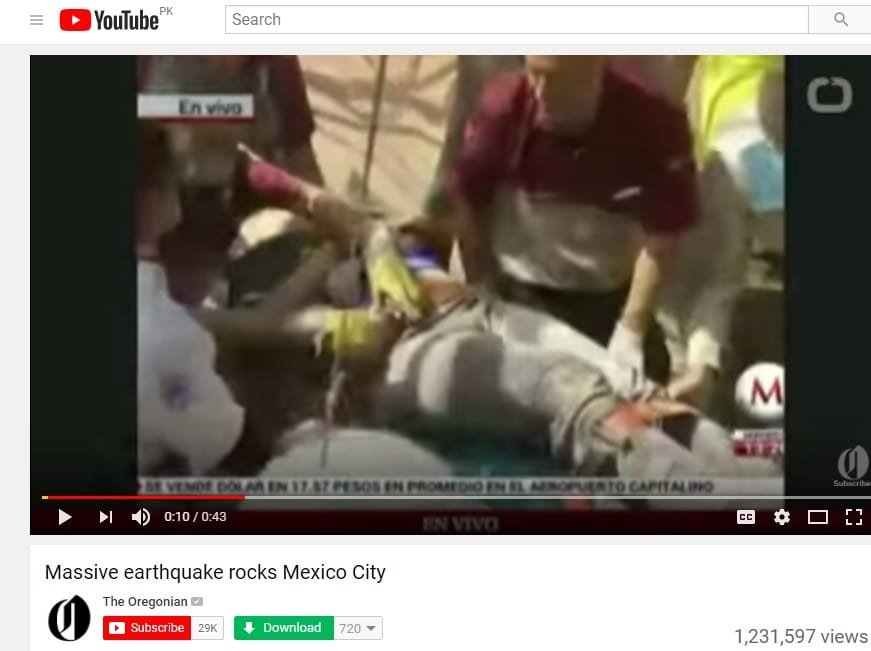
It will now display a ‘Download’ button at end of each YouTube Videos like this:
Now enjoy downloading any video you want to watch from YouTube.
Research Snipers is currently covering all technology news including Google, Apple, Android, Xiaomi, Huawei, Samsung News, and More. Research Snipers has decade of experience in breaking technology news, covering latest trends in tech news, and recent developments.
If you've never used one before, the term data room can sound more intimidating than…
High price, too much weight and a narrow niche: the Vision Pro headset forces Apple…
US President Donald Trump has ordered a new emergency regulation for the power grid. It…
Huawei has officially launched the sale of the Watch GT 7 Pro in China, introducing…
Apple is considering the potential to transform its future smart glasses into health and fitness…
Everyone has parts of their past they'd handle differently if given another chance. Maybe you…