Widgets, Smarter Media, and Gemini AI: Android Auto’s Future Revealed in Update 15.6
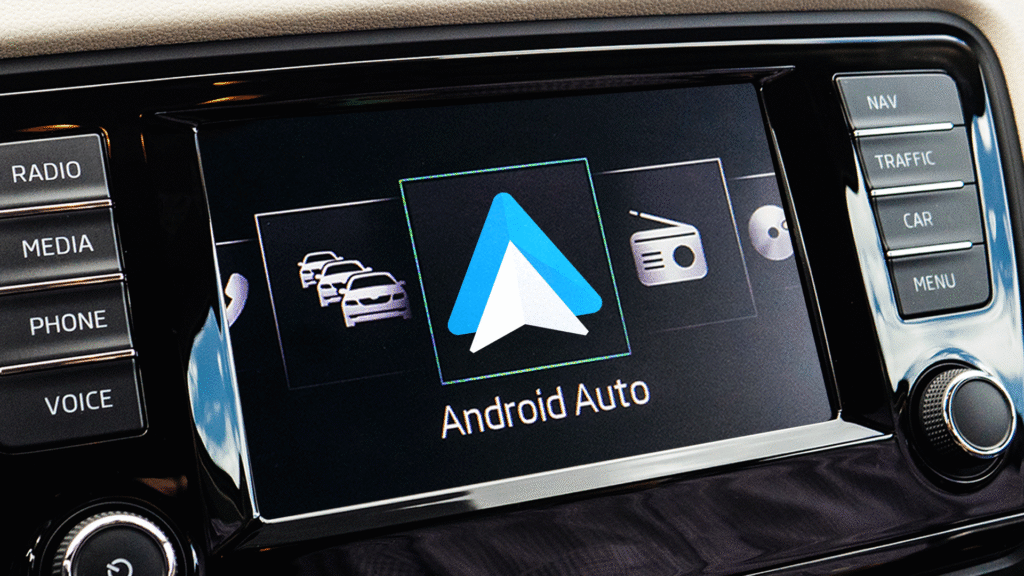
Google has released Android Auto version 15.6. Although the official list of changes is missing, the code reveals exciting innovations for the near future: widgets, improved media cards and Gemini instead of Google Assistant.
Android Auto 15.6 is officially here
Google is working on Android Auto at high speed. While version 15 was only launched in mid-August, version 15.2 had already been reached at the end of September. Although there have been problems with quick control since then, the company continues to work diligently on new functions. Google has now officially released version 15.6 of Android Auto, although the rollout will be phased in and not all users will receive the update immediately. As is often the case, however, the company does not provide an official list of adjustments.
However, users report a centered map view in Google Maps, while the search menu now takes up less space and no longer obscures navigation. In addition, Google is probably working on refined accent colors that are based on the smartphone’s wallpaper settings.
Widget plans for the near future
Even if the current version does not bring any major noticeable innovations, there is still a lot happening under the hood. How Auto evolution reported, the most important planned functions can already be identified by analyzing the source code. In future updates, widgets will be introduced that will be displayed directly next to the rest of the user interface. Users can keep their favorite apps permanently displayed, which should make them much easier to use while driving.

Compared to Apple’s widget implementation in CarPlay, its introduction to Android represents a more efficient approach. While CarPlay displays widgets on a separate screen and requires additional swiping, Google plans to integrate it directly into the main interface. This is intended to enable more natural and efficient use without drivers having to take their attention away from the road.
Media card gets smarter
Another important innovation concerns the media card of the Coolwalk user interface. Google wants to enable users to manage multiple media apps at the same time. The revised media card is intended to display the content of various apps and, for example, make it much easier to switch between music services. In the future, a simple swipe gesture should be enough to switch between different music apps. This is particularly beneficial for users who use several streaming services in parallel and previously had to laboriously navigate between the applications. Spotify, YouTube Music, Apple Music and other services can be combined seamlessly.
Gemini replaces Google Assistant
Android Auto is also expected to receive Gemini integration in the coming weeks, with the AI-powered solution enabling advanced features such as more complex searches. It could be fully available by the end of the year. The move from Google Assistant to Gemini also promises significantly improved speech recognition and more natural conversations. Gemini can, for example, find places based on information from Google reviews, although Google has already demonstrated the integration with Mercedes.
The AI understands contextual queries better and can handle more complex tasks than the previous assistant. Additional features such as Call Notes and Call Screen are planned for Pixel users, whereby Gemini will listen to telephone conversations and create summaries. These features significantly expand the capabilities of Android Auto and make the system an even smarter driving assistant.
Install update
The Android Auto 15.6 update will roll out to more devices in the coming weeks, depending on whether users discover major bugs or issues that would prevent wider distribution. If you don’t want to wait for the update to appear in the Play Store, you can also download the new version of Android Auto manually via APK websites, but you should keep the usual risks in mind.

Digital marketing enthusiast and industry professional in Digital technologies, Technology News, Mobile phones, software, gadgets with vast experience in the tech industry, I have a keen interest in technology, News breaking. Can be reached at yasir.zeb@researchsnipers.com