How AI Video Generator Fits Team Production
The novelty phase of generative media is effectively over for most performance marketing and content teams. We have moved past the initial shock of seeing a text prompt transform into a five-second clip. Now, the challenge is structural: how do you integrate an AI Video Generator into a professional pipeline without the output looking like a disjointed collection of “AI hallucinations”?
For a solo creator, a lack of consistency is an experimental quirk. For a brand or a production agency, it is a dealbreaker. When three different editors are using three different models to produce assets for the same campaign, the visual identity tends to fracture. Operationalizing these tools requires moving away from the “slot machine” mentality—where you pull the lever and hope for a usable result—and toward a repeatable, governed workflow.
The Fragmentation Problem in Generative Workflows
The current AI landscape is fragmented. A team might use Flux for still images, Runway for motion, and Kling for realistic character physics. However, even within a single model family, the gap between versions can be dramatic. The recently introduced Kling 3.0 physics simulation offers vastly improved weight, gravity, and material deformation compared to its predecessor, yet many teams still struggle to access or benchmark it consistently against other tools.
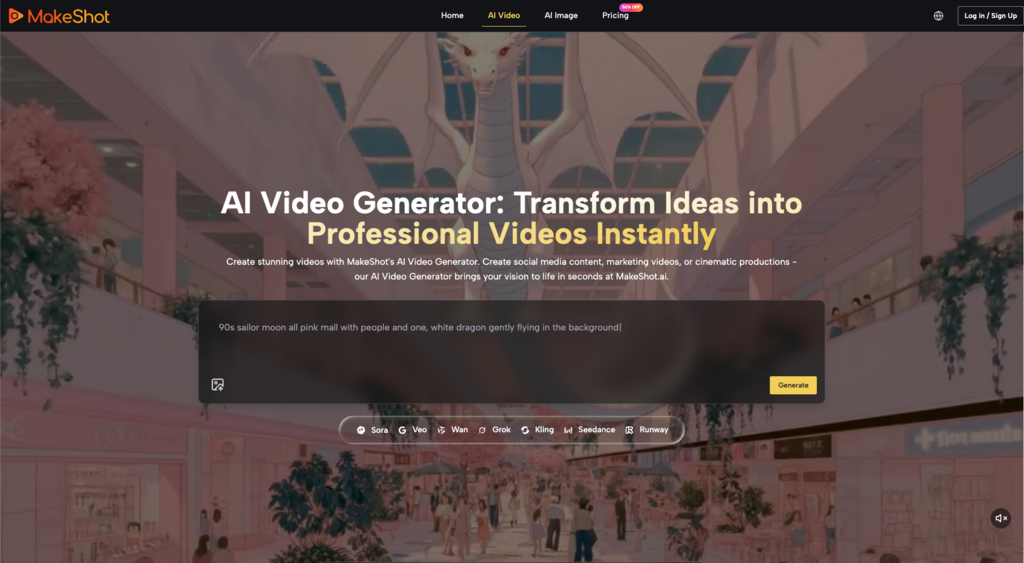
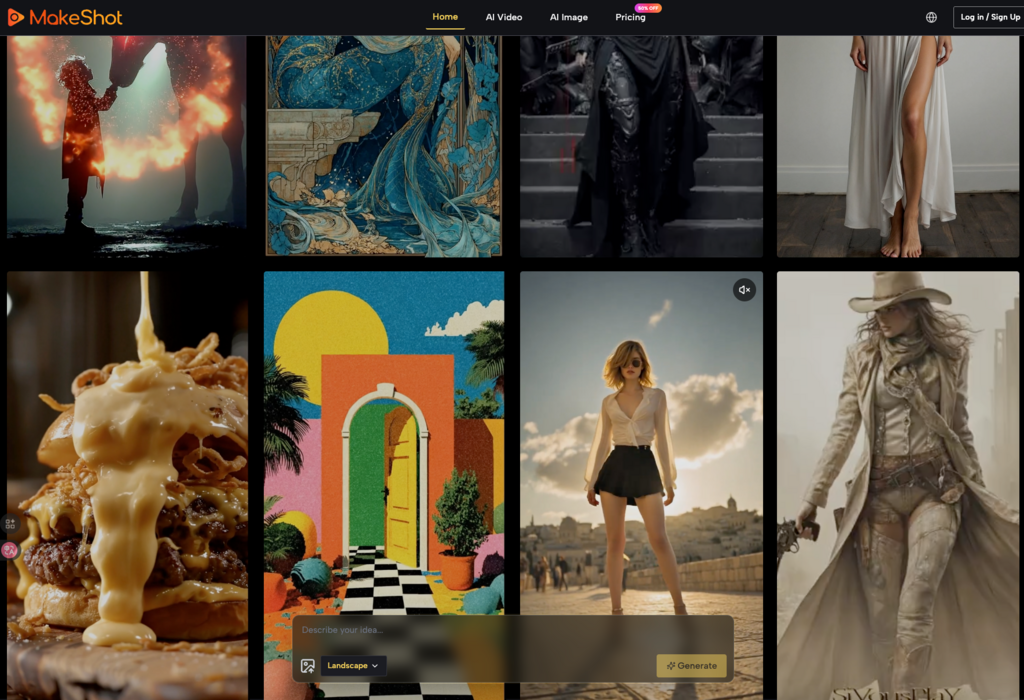
This fragmentation creates a massive friction point. Each model has its own “latent space” personality, its own reaction to prompting syntax, and its own specific color science. When teams operate across disparate platforms, the overhead of maintaining visual continuity becomes a full-time job. This is where unified environments like MakeShot change the math. By housing models like Veo 3, Sora 2, and Kling 3.0 physics simulation under one roof, teams can compare outputs side-by-side without the cognitive load of switching tabs and subscription tiers.
However, even with the best tools, consistency is not a default setting. It is an engineered outcome. Teams that succeed in this space are those that treat the AI Video Generator as a high-end rendering engine rather than a magic wand.
Building a “Style Lock” Through Reference Images
The most common mistake in team production is relying solely on text-to-video. Text is inherently subjective. One person’s “cinematic lighting” is another person’s “over-saturated neon.” To ensure a cohesive look across a dozen clips, teams must prioritize Image-to-Video (I2V) workflows.
By generating a master “style key” using an image creator first, a creative lead can set the exact color palette, character design, and composition. This master image then serves as the seed for the video generation. When every editor uses the same reference image as their starting point, the AI has a rigid framework to follow.
The Limitation of Temporal Consistency
It is important to reset expectations here: even with a strong reference image, no current model offers perfect temporal consistency over long durations. If you are trying to generate a 30-second continuous shot of a character performing a complex task, you will likely encounter “morphing” or “drifting” where the character’s features subtly change.
Teams should acknowledge this limitation early. Instead of fighting the model to produce long-form content, the most effective workflow involves generating short, 3-to-5-second “micro-clips” and assembling them in a traditional non-linear editor (NLE). This modular approach allows for better quality control and easier revisions. If one clip fails, you don’t lose the whole scene; you just re-roll that specific segment.
Model Selection: Choosing the Right Tool for the Shot
Not every shot requires the same level of compute or the same model architecture. Operational efficiency comes from knowing which AI Video Generator model fits the specific requirements of a scene.
High-Detail Realism: Models like Kling or Sora 2 are often the go-to for scenes requiring complex physics, such as water splashing or realistic human skin textures.
Stylized Animation: If the project is leaning into a “Pixar-style” or anime aesthetic, models optimized for artistic interpretation often outperform those chasing photorealism.
Rapid Prototyping: For storyboarding or internal pitches, lower-latency models allow a team to iterate through fifty concepts in the time it would take to render one high-fidelity cinematic clip.
To pick the right tool its important to assess your requirements and then match them across the available option, Seedance 2.0 is another wounderful option to consider.
A production lead’s role is now less about “how to use AI” and more about “which AI to use for this specific five-second window.” This requires a comparative mindset—constantly benchmarking the latest updates to Google Veo or Nano Banana against the project’s visual requirements.
Standardizing the Prompting Language
If a team doesn’t have a shared vocabulary, the output will always be chaotic. One editor might use technical camera terms (e.g., “70mm, f/2.8, tracking shot”), while another uses descriptive adjectives (“epic, beautiful, high-quality”).
Standardizing “prompt components” is a vital step in operationalization. A team-wide prompt library should include:
1. The Subject Anchor: Specific descriptors for the recurring characters or objects.
2. The Environment Lock: Pre-defined lighting and setting descriptions.
3. The Motion Directive: A standardized list of camera movements (e.g., “slow dolly in,” “pan left,” “static close-up”).
By treating prompts like code—reusable, modular, and version-controlled—teams reduce the variance in their output. This also makes it easier for a new team member to jump into a project and produce work that matches the existing aesthetic.
The Human-in-the-Loop: Post-Production and Cleanup
There is a lingering misconception that generative AI produces “finished” video. In a professional team environment, the AI output is usually “raw footage.”
The real work happens in the cleanup. AI Video Generator outputs often contain small artifacts—a finger that merges into a hand, or a background object that flickers out of existence. Content teams need to build in a “QC and Polish” phase where editors use traditional tools like masking, color grading, and AI-assisted in-painting to fix these glitches.
The Uncertainty of Physics and Spatial Logic
We must be honest about the current state of the technology: AI models do not “understand” the 3D world. They are predicting pixels based on patterns. Consequently, they often struggle with complex spatial logic, such as a person walking behind a transparent object or the way a specific weight should fall.
If your production depends on absolute physical accuracy—for example, a technical product demonstration—you may find that the AI Video Generator serves better as a background element generator rather than the primary tool for the product itself. Knowing when to pivot back to traditional 3D rendering or live-action is a sign of a mature, production-savvy team.
Infrastructure and Cost Management
Scaling AI video production isn’t just a creative challenge; it’s a financial one. High-end video models are computationally expensive. A team generating hundreds of iterations a day can quickly burn through a budget if there isn’t a centralized management system.
Platforms that offer “all-in-one” pricing or credit-based systems allow teams to predict their monthly spend more accurately. It also prevents the “shadow IT” problem where individual team members are expense-reporting five different $30/month subscriptions. Centralizing the tools allows the creative operations lead to see which models are being used most frequently and where the “hit rate” is highest.
Integrating AI into the Traditional Pipeline
The most successful teams don’t replace their pipeline with AI; they weave AI into it.
Pre-Visualization: Using AI to create high-fidelity storyboards that look like the final product. This helps stakeholders sign off on a concept before a single dollar is spent on a set or a high-end render.
B-Roll Generation: Using AI to generate atmospheric shots—clouds moving, cityscapes at night, or abstract textures—that would otherwise require expensive stock footage licenses or travel.
Social Media Adaptation: Taking a core piece of long-form content and using generative tools to create “remixed” versions for different platforms (e.g., turning a landscape 16:9 shot into a vertical 9:16 background).
In these use cases, the AI Video Generator is a force multiplier. It doesn’t take the place of the director; it gives the director a much larger and more flexible crew.
The Future of the “AI Director” Role
As these tools become more integrated, we are seeing the rise of a new role within content teams: the AI Director or Generative Producer. This person isn’t necessarily an editor or a cinematographer, though those skills help. Instead, they are an expert in model orchestration.
They understand which model has the best “seed consistency” for a particular project. They know how to prompt across different languages (English, Chinese, or even technical metadata) to get the best results from global models like Kling or Wan. Most importantly, they are the guardians of the brand’s visual soul in an era where anyone can generate a “cool” video.
Operationalizing AI video is ultimately about discipline. It is the transition from being “wowed” by the technology to being “critical” of its output. By focusing on reference-based generation, modular clip assembly, and standardized prompting, teams can finally move generative media out of the lab and onto the main stage of professional production. The goal is no longer to make a “good AI video,” but to make a good video—where the AI just happened to be the most efficient tool for the job.

Alexia is the author at Research Snipers covering all technology news including Google, Apple, Android, Xiaomi, Huawei, Samsung News, and More.