Android Auto bug: Google Maps no longer switches to night mode
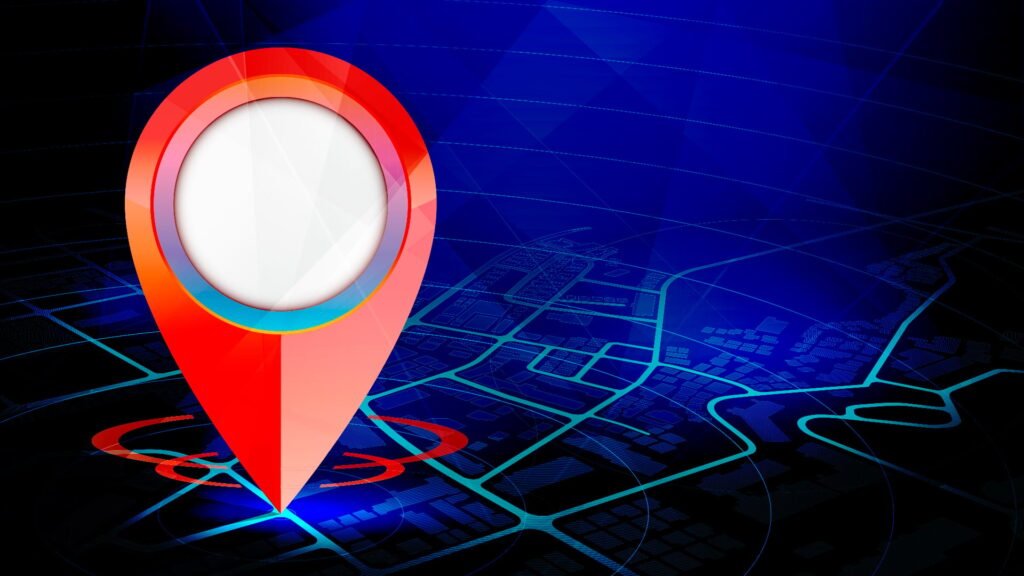
A bug in Android Auto is currently causing dangerous glare when driving at night. Google Maps and Waze no longer automatically switch to dark mode after an update. Drivers now have to resort to manual workarounds for the time being.
Faulty dark mode blinds drivers
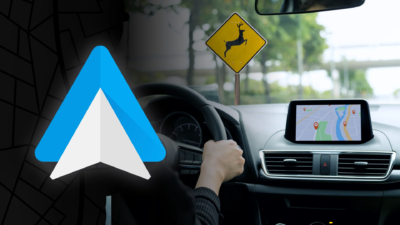
Many users of the Android Auto vehicle software are currently complaining about an annoying problem with navigation. Google Maps no longer automatically switches to dark mode at dusk or darkness. Instead, the bright daytime view remains active, which can irritate and even blind drivers at night. This impairs visibility and poses a potential safety risk. Normally, the system uses the vehicle’s sensors to detect when the headlights are turned on. The display then darkens to protect the occupants’ eyes. However, the automatic adjustment of the brightness has no longer worked for various users for a few days. reports in the Google Forums as well as on Reddit According to this, the error occurs regardless of the smartphone model or car brand.
The cause is probably the current update
As Auto evolution reports, those affected blame a recently released software update for the error. It is currently unclear whether the incorrect programming lies directly in the navigation app itself or in the higher-level Android Auto platform. In addition to Google Maps, the alternative navigation solution Waze (which also belongs to Google) is also affected by the same outages. However, the error does not occur for all users. Some drivers report smooth switching between day and night with the latest software version. This makes it difficult to pinpoint the exact cause.
Possible workarounds
Since an official bug fix by the developers is still pending, those affected are intensively discussing interim solutions. A downgrade, i.e. installing an older program version via an external file, is considered the most reliable way. In this way, dark mode can be temporarily and reliably activated again. If you don’t want to make major changes to the system, you can force dark mode manually. The view can be permanently set to dark in the app settings. This prevents dangerous glare when driving at night, but requires constant adjustment during the day. Google has requested additional data on official forums to further investigate the issue. A schedule for a bug fix patch is not currently publicly known.

Research Snipers is currently covering all technology news including Google, Apple, Android, Xiaomi, Huawei, Samsung News, and More. Research Snipers has decade of experience in breaking technology news, covering latest trends in tech news, and recent developments. Can be reached at author1@researchsnipers.com