How to Design a Professional Logo with AI Without Design Experience
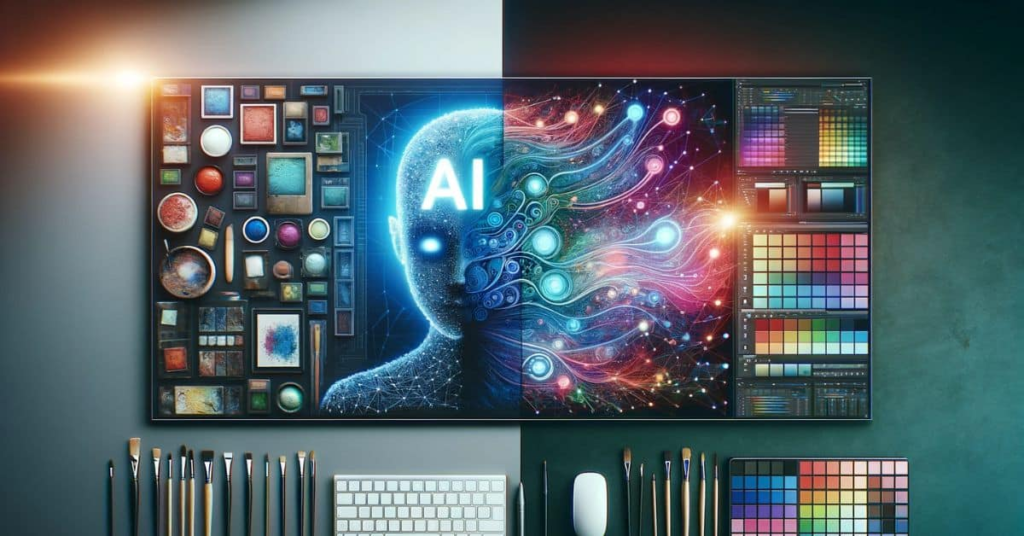
A logo is often the first impression people have of a brand. Whether you’re launching a startup, opening an online store, or building a personal brand, a recognizable logo helps establish credibility and makes your business easier to remember across websites, social media, product packaging, and marketing materials.
In the past, creating a custom logo usually meant hiring a designer or learning professional design software. While those options remain valuable, AI has made logo creation far more accessible. Today, entrepreneurs, freelancers, and small business owners can generate multiple logo concepts in minutes, explore different visual styles, and refine their ideas without starting from a blank canvas.
Why AI Is Changing Logo Design
AI logo generators simplify one of the most difficult parts of branding: turning an idea into a visual identity.
Instead of sketching concepts manually, users can describe their business, industry, preferred colors, or design style, and AI generates multiple logo concepts based on those instructions. Many AI tools also suggest icons, typography, and layouts that align with different brand personalities, making it easier to explore creative directions before settling on a final design.
Rather than replacing professional designers, AI helps accelerate the early creative process by reducing repetitive work and making logo design accessible to people with little or no design experience.
AI or a Professional Designer?
The right approach depends on your project.
AI logo generators are well suited for startups, online stores, content creators, freelancers, and small businesses that need a polished logo quickly or want to experiment with multiple creative concepts before making a decision.
Professional designers remain the better choice for organizations building a complete brand identity system, including custom typography, packaging, brand guidelines, and long-term visual strategy.
For many businesses, AI serves as an efficient starting point. Once a preferred direction has been identified, the design can always be refined further if more comprehensive branding is required.
What Makes a Good AI-Generated Logo?
Regardless of which tool you choose, strong logos usually share a few common characteristics.
They are simple enough to remain recognizable at different sizes, distinctive enough to stand out from competitors, and versatile enough to work across websites, mobile apps, business cards, presentations, and social media profiles.
When writing prompts for AI, provide more than just your company name. Include details about your industry, target audience, preferred visual style, color palette, and the feeling you want your brand to communicate. Clear instructions generally produce stronger results than vague requests.
It’s also worth generating multiple variations instead of choosing the first concept. Comparing different layouts, icons, and typography often leads to a stronger final design.
Go Beyond AI Generation with a Design Studio
Generating logo ideas is only the beginning. In practice, most businesses compare several concepts, adjust colors, test typography, refine layouts, and experiment with different variations before choosing a final version.
That’s why the editing experience matters just as much as the initial AI generation.
If you’re looking for an AI Logo Generator, Chat Smith helps users create logo concepts from natural-language prompts without requiring graphic design experience. Instead of producing just one result, users can quickly explore multiple visual directions and regenerate ideas until they find a concept that fits their brand.
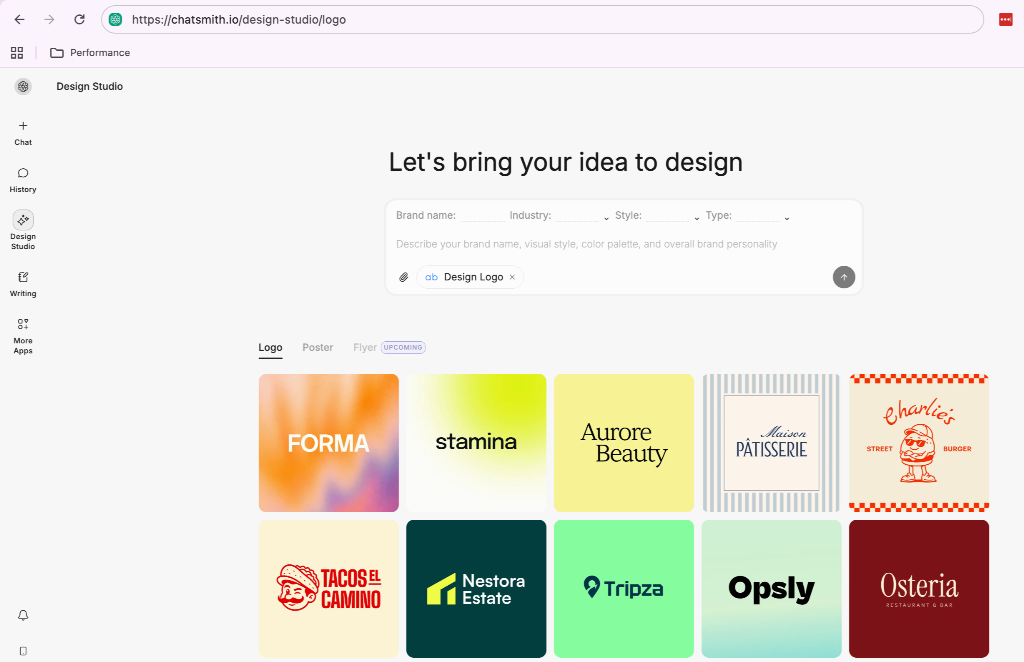
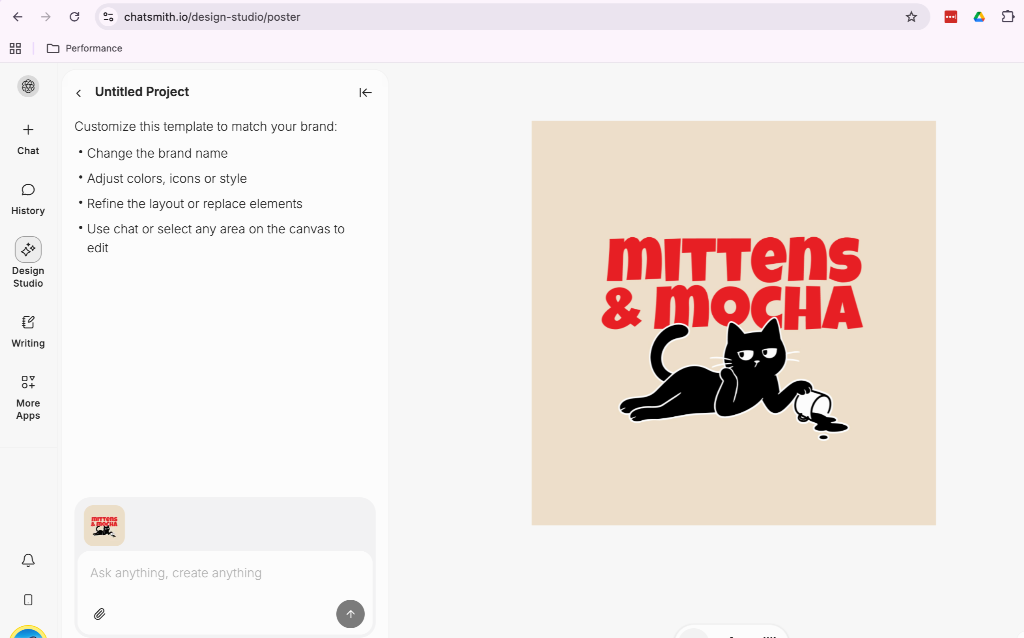
Once a concept has been created, the workflow can continue inside Chat Smith’s Design Studio. Rather than starting over in separate design software, users can browse ready-to-use logo designs, customize colors, icons, fonts, and layouts, then continue refining everything in one place.
This combination of AI generation and an integrated design workspace makes it easier to move from an initial idea to a polished, brand-ready logo while keeping the creative process simple and efficient.
Common Mistakes to Avoid
Even with AI, a few common mistakes can affect the quality of the final design.
Avoid prompts that are too generic. A request like “create a modern logo” gives the AI very little context, while describing your industry, audience, brand personality, and preferred colors usually produces more relevant concepts.
Don’t overload the design with too many icons, colors, or decorative effects. Simple logos are generally easier to recognize and remain effective across both digital and printed materials.
Finally, test your logo in real-world situations before making a final decision. A design that looks great on a large screen should also remain clear as a website favicon, social profile picture, presentation slide, or product label.
Conclusion
Creating a professional logo no longer requires weeks of collaboration with a design agency or advanced graphic design skills. AI has made it easier to explore creative ideas, compare multiple concepts, and develop a visual identity in a fraction of the time.
The most effective workflow doesn’t stop at generating a single logo. It combines AI-powered concept generation with the ability to refine, customize, and iterate until the design reflects your brand. By bringing together an AI Logo Generator and an integrated Design Studio, Chat Smith provides a practical workflow that helps creators, startups, and businesses move from an initial idea to a polished, ready-to-use logo more efficiently.

Alexia is the author at Research Snipers covering all technology news including Google, Apple, Android, Xiaomi, Huawei, Samsung News, and More.