Key Factors in Sourcing Used IT Equipment for Business Growth
Businesses planning for expansion often seek cost-effective ways to maximize their IT budgets. This article outlines critical factors for B2B organizations sourcing used laptops, desktops, servers, and networking hardware, with a particular focus on office technology, infrastructure management, and strategies to support business growth efficiently.
As businesses look to expand their operations, the demand for affordable and flexible technology increases. Many organizations turn to used laptops, desktops, servers, and network equipment to stretch their IT budgets further. Interest in pre-owned hardware has been influenced by variable lead times for new devices and wider supply chain disruptions across global markets. Budgets can also remain under pressure, making it more attractive to consider used devices, whether to equip additional staff, support remote offices, or roll out new digital initiatives.
Defining technical and performance requirements
Before you begin sourcing used IT equipment, define your actual needs. Start with workload assessments: know which roles require high-performance devices and where lower specifications would suffice. For example, a development team often needs more memory and processing power, such as quad-core CPUs, 16GB RAM, and SSDs, while general office users may work effectively with dual-core processors and 8GB RAM. Set clear minimum specifications for each role to avoid deploying underpowered hardware that might disrupt productivity. One practical approach is to create a checklist detailing requirements for different roles, including processor speed, RAM, storage, operating system compatibility, and essential peripheral support.
Compatibility with your existing systems and software must not be overlooked. Standardization across devices can simplify future support and deployment. If you standardize on common business lines, compare durability and input preferences across ThinkPad models before bulk ordering. For example, agreeing that all laptops must support your organization’s chosen encryption standard helps with both IT support and compliance documentation. Additionally, consider the expected lifecycle for each category. Laptops intended for two years of daily travel use should meet higher durability standards—look for reinforced chassis or spill-resistant keyboards—than hardware destined for occasional use such as shared meeting room stations.
Evaluating suppliers and their processes
The quality and accountability of your supplier are crucial when buying used IT equipment. Ask for transparency on refurbishment methods. Reliable suppliers typically offer details on their diagnostic testing, cleaning, and repair routines, and provide documentation on every device shipped. For example, you might request a refurbishment report showing results of hardware diagnostics, a checklist of replaced components, and photographs of the actual unit being supplied. Look for clear return policies that protect you against faulty equipment or unsuitable purchases—simple guarantees such as a 30-day return window for non-functional devices are common.
If expansion involves multiple locations, evaluate whether the supplier can provide consistent inventory at scale. Consistency in device models and specifications helps ensure seamless rollouts and simplifies management across offices, such as being able to image all laptops with the same system setup and deploy them in different office branches without compatibility issues.
Understanding equipment grading and quality checks
Used IT equipment is commonly categorized by grading systems such as Grade A and Grade B. For example, Grade A laptops may show minimal signs of use, like only faint touchpad wear, while Grade B units could include cosmetic scratches or minor screen blemishes—often marked in supplier grading descriptions. Always request clarity on what is included or excluded within each grade before purchasing in bulk to match your business’s needs.
Practical quality assurance should go beyond visual grading. Ensure the supplier provides reports on key components, such as battery health for laptops (e.g., batteries holding at least 80% of original capacity), storage drive integrity confirmed via S.M.A.R.T. reports, and results of functional testing such as keyboard and display checks. Verifying these details helps reduce unexpected downtime post-deployment. It is advisable to request a sample device and accompanying checklists to preview quality standards before committing to a larger order.
When considering the lifecycle of assets and surplus disposition, businesses may want to evaluate processes for resale or recycling. For instance, companies sometimes opt to sell used laptops when upgrading hardware fleets, offsetting costs or supporting sustainability initiatives. Including buyback or trade-in programs as part of sourcing negotiations can provide value over the equipment’s full lifecycle.
Security and compliance in handling pre-owned hardware
Security is a central concern when bringing used devices into the business. Ask about the device’s history and whether secure data wiping has been performed using verifiable processes. For instance, suppliers should be familiar with industry standards like NIST SP 800-88 Rev. 2, which describes step-by-step methods for sanitizing storage drives and provides documentation—a sample certificate should include asset serial numbers and a technician’s sign-off. A documented chain of custody for each unit helps support compliance and traceability, especially for regulated industries such as finance or healthcare.
Confirm that firmware, BIOS, and embedded controllers have not been altered, as tampered hardware could create vulnerabilities. Many organizations conduct additional internal checks before adding refurbished hardware to sensitive networks; for example, running BIOS integrity scans or verifying firmware versions match approved images prior to joining domain environments.
Warranty, spare units, and support planning
Support arrangements for used IT equipment can vary. Some devices retain limited manufacturer warranties, while others come with third-party or reseller guarantees—typically ranging from 30 days to a year depending on vendor practices. When negotiating, clarify the warranty process: for example, will devices be replaced immediately or repaired, and what is the typical turnaround?
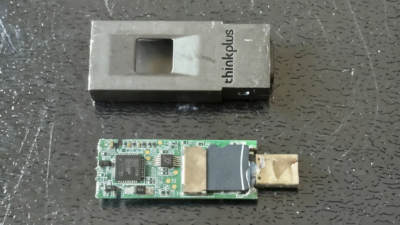
Self-sparing, where you hold extra units in reserve, can help reduce downtime when failures occur. A commonly used model in office environments is to maintain a spare device stock of approximately 3–5% of the total deployed hardware, but businesses should tailor this to their risk tolerance and criticality of roles. For reliability, establish an imaging and deployment strategy that supports easy replacement and onboarding—this might include preconfigured hard drives or USB deployment sticks. It is also practical to set target timelines for replacing devices as they age, such as replacing frontline laptops every three years and meeting room devices every five, to avoid large-scale hardware refreshes all at once.
Total cost of ownership and fit for purpose
The purchase price is only one part of the equation for evaluating used IT hardware. Consider hidden costs such as labor for device deployment, testing and software installation, potential higher out-of-warranty failure rates, increased energy usage of older hardware models, and the potential risk and cost of downtime. An illustrative total cost of ownership (TCO) assessment might include: initial purchasing cost, estimated annual maintenance, average device lifespan, cost of spare units, and time required to image and re-deploy units in case of issues. Sometimes, for mission-critical workloads, the operational cost of maintaining used devices might outweigh the upfront savings, while for non-core or temporary project roles, used equipment may provide a practical balance between cost and performance. Businesses weigh these factors case by case, planning for the best alignment between financial and operational goals.
Deployment and sustainable growth practices
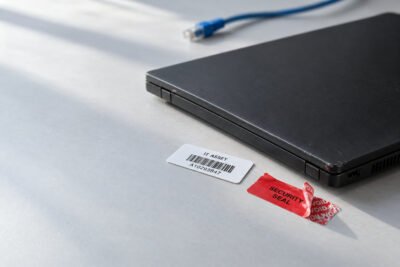
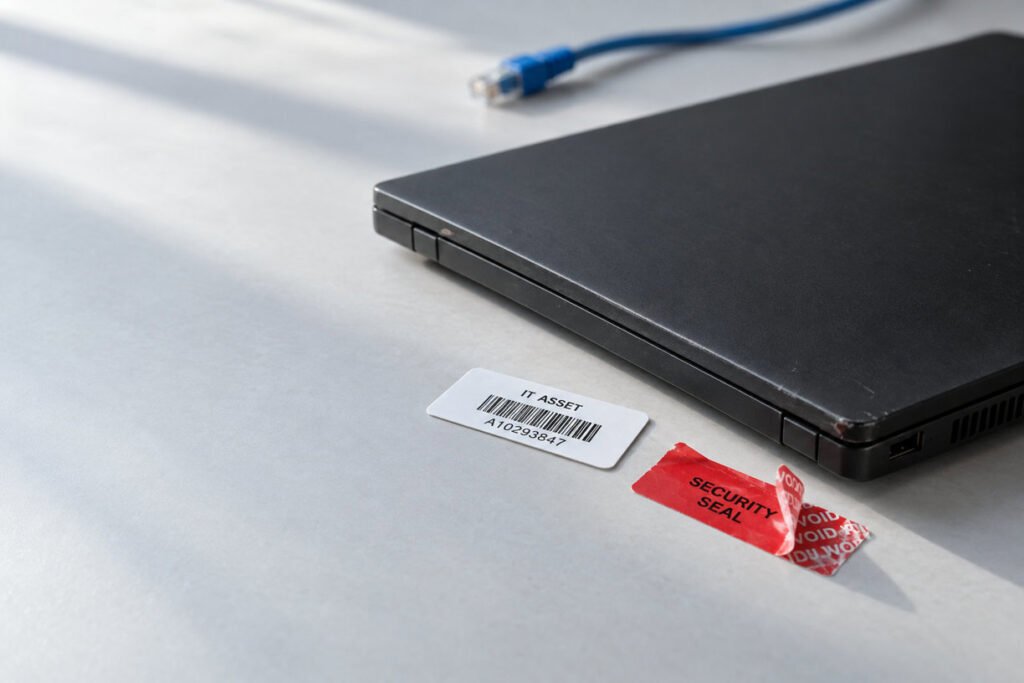
Streamlined deployment is essential for rapid expansion. Use standardized operating system images for each device category, assign asset tags for tracking (for example, using a barcode system linked to a central inventory spreadsheet), and document every onboarding workflow. This allows IT teams to process new and replacement devices efficiently and maintain a consistent user experience for new hires across regional offices. Include user training and IT orientation as part of deployment to minimize disruption and encourage best practices in device usage and security.
Post-deployment, regular monitoring of device health and performance—such as automated checks on battery wear and drive errors—allows you to detect emerging issues early. Planning periodic refresh cycles, such as annual health assessments or staged upgrade plans, helps maintain a modern, reliable technology base and ensures business growth stays on course without unexpected setbacks.
A responsible approach to business expansion
Sourcing used IT equipment offers a practical path to growth, particularly when budgets are tight and flexibility is needed. By moving methodically through performance requirements, supplier vetting, quality assurance (including sample checklists, grading verification, and documented device histories), security checks, and support planning, you can minimize risk while scaling your business. Weigh both immediate benefits and longer-term total cost to make sound decisions for your operation’s future.

Alexia is the author at Research Snipers covering all technology news including Google, Apple, Android, Xiaomi, Huawei, Samsung News, and More.