Google Health: A bug is currently really annoying Pixel Watch users
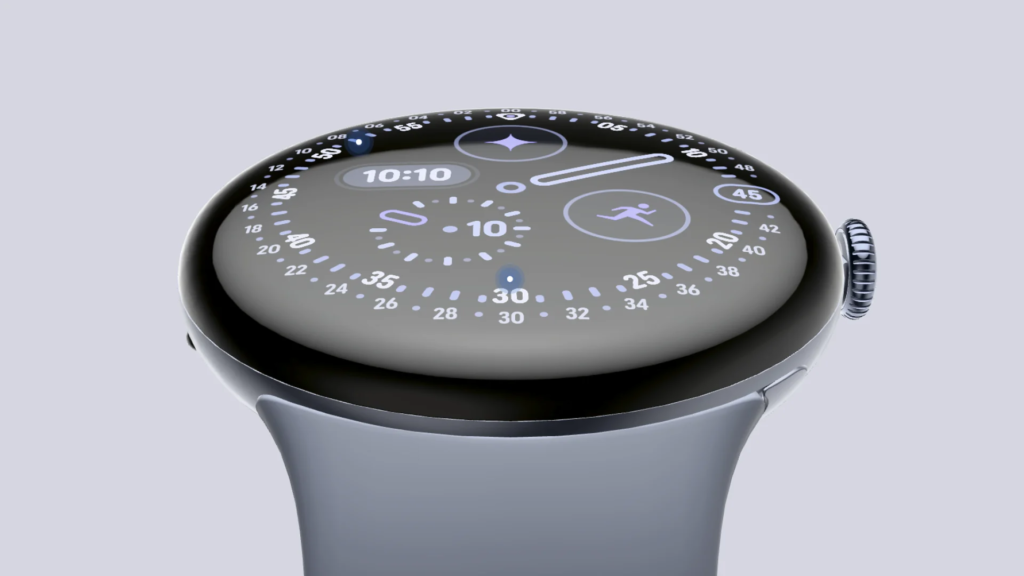
An annoying software error is currently plaguing many owners of the Google Pixel Watch. The smartwatch constantly requests access rights for sensors, even though these have long since been granted. An unexpected workaround now provides relief.
Error blocks sensor data
Pixel Watch owners are currently reporting an annoying software error. A system message with the Fitbit logo appears repeatedly on the smartwatches, and the software constantly requests access to sensor data. The problem is that users have long since granted the permissions in the system settings. Basically, that’s what you want, because modern wearables continuously record values such as heart rate. If the software does not process this correctly, the watch loses its primary use for fitness tracking.
The effects of the error vary between users: Some users report that the health app continues to record and synchronize the recorded body data in the background. In these cases the warning is simply a false alarm. However, other owners of the Pixel Watch report crashes. With them, the transmission of health data to the connected smartphone comes to a complete standstill.
Unable to Click on Health Apps on Watch?
by
u/NurseShalom in
PixelWatch
As Android Authority reported, the exact cause of the error is still unclear. Since the phenomenon has only become increasingly common in the last few weeks, many users suspect a connection with a recently released update for Google Health.
Temporary workaround
According to user reports, resetting the watch to factory settings does not solve the problem permanently. However, there is a solution from the official support forums. One user found that the error disappears when users enable health app notifications directly on the smartwatch. It currently remains unclear why a notification switch resolves a warning about sensor permissions. However, the workaround has been successfully confirmed by several parties and helps those affected to use it. So far, Google has not officially confirmed the error.

Research Snipers is currently covering all technology news including Google, Apple, Android, Xiaomi, Huawei, Samsung News, and More. Research Snipers has decade of experience in breaking technology news, covering latest trends in tech news, and recent developments. Can be reached at author1@researchsnipers.com