Kodi 22.0 Piers: New update improves HDR support and Dolby Vision
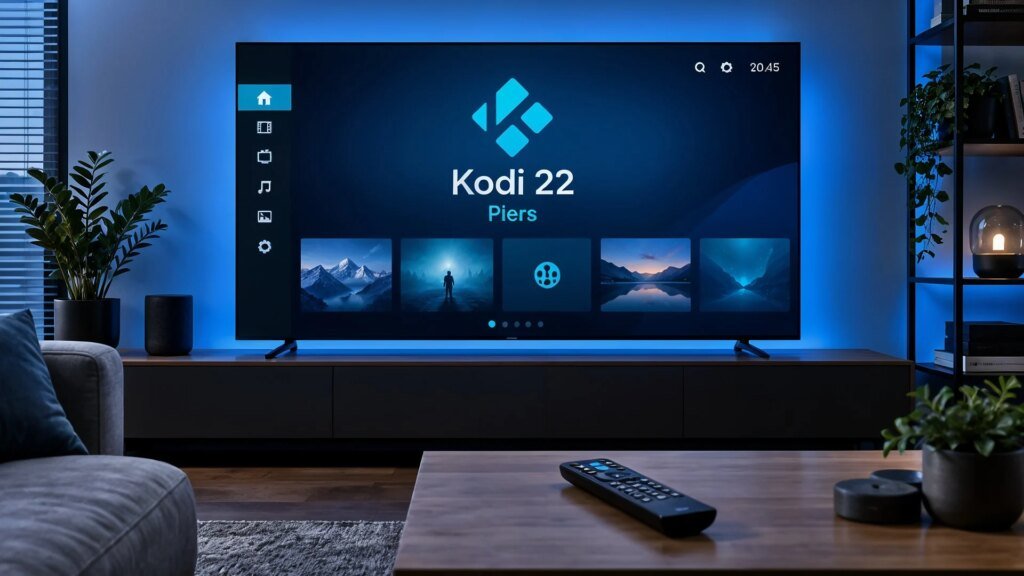
Smoother retro games, expanded HDR support and corrected Blu-ray menus: The second release candidate of Kodi 22.0 focuses on the fine-tuning. The developers made more than 200 adjustments in the pre-release version.
Pre-release version brings fine-tuning
The developers of the media center Kodi this week published the second release candidate of Kodi 22.0, codenamed Piers. The pre-release version brings bug fixes and detailed improvements for playback of films, series and live streams on platforms such as Android TV, Apple TV and Xbox. The focus is on fixing the last errors. The open source project, which started in 2002 as Xbox Media Player and later became known as XBMC, is receiving improvements for modern HDR formats. On the Apple TV 4K, Kodi on tvOS now supports HLG and HDR10 playback as well as Dolby Vision Profile 8 base layer processing.
On Xbox consoles, the pre-release version also supports Dolby Vision Low Latency for profiles 5, 7, 8 and 10. According to the release notes from the development team at Kodi More than 200 changes have been incorporated since the first release candidate. Fixed a bug in Blu-ray playback that caused menus to disappear when changing subtitles. Crashes when transitioning from the Java menu to the main movie should also be fixed. On Android devices, incorrect HDR color space detection has been corrected and audio synchronization has been improved on passthrough connections.
Retro gaming and library
The integrated game emulation has also been revised. Their synchronization with the screen reduces input delays and image repetitions. The expanded functionality for RetroAchievements now shows missable achievements and progress toward full game completion. Media library updates have been made more reliable. The developers also fixed errors when upgrading older databases and optimized the display of large HEIF and AVIF images. The pre-release version is still not completely error-free. On Linux, UI elements may appear faded in HDR videos. If you use Kodi every day, you should stick with the stable previous version for now or create a backup before installing. The developers also warn that if you downgrade from a nightly version of Kodi 23, the interface settings may be lost.

Priti Rajpoot is a technology journalist and contributor at ResearchSnipers, covering the latest in tech news, innovation, and digital trends across the world. From startups and AI to cybersecurity and consumer gadgets. She can be reached here: priti.r@researchsnipers.com