Windows 11 IPv6 problem: Setup fails without IPv4
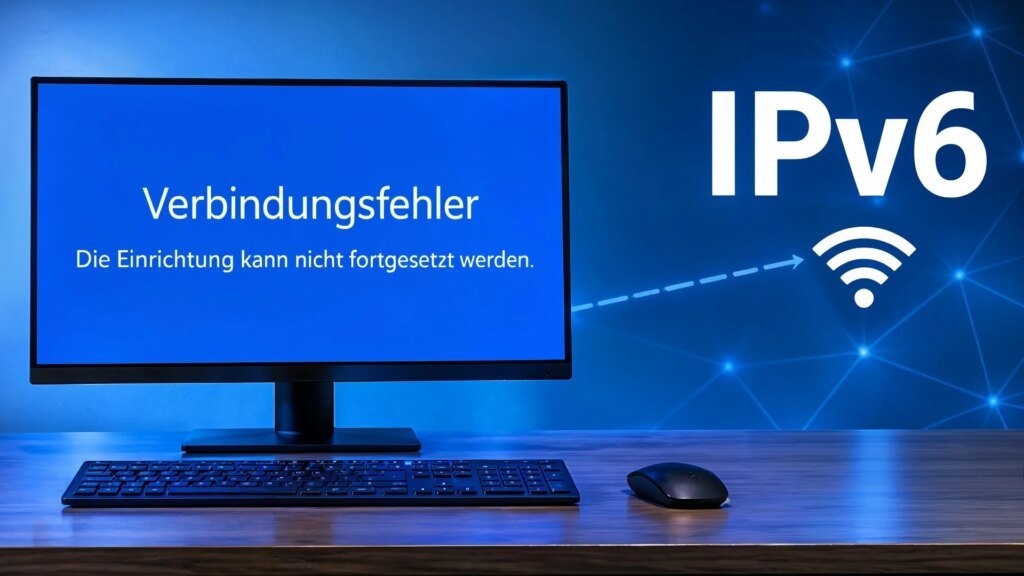
Online and still locked out: Windows 11 can fail during initial setup in pure IPv6 networks. A user test shows: Although the PC reports an internet connection, the setup assistant does not let the user proceed.
Connected – but it still doesn’t work?
Instead of releasing the next step in the Windows installation, the setup wizard reports a connection loss. It remains to be seen whether this is an error or a previously undocumented limitation. A new computer, the first setup, then the supposedly simple step onto the Internet: This is exactly where Windows 11 stalled in a test by X user Bob Pony. After other users drew attention to the behavior, he checked the setup wizard with a special network configuration. The PC could only access the Internet via IPv6. The older protocol IPv4 was not available.
Windows initially displayed an existing connection. However, when I tried to continue the setup, I received a contradictory message that the internet connection had been lost. The behavior also occurred on repeated attempts. The observation initially concerns the initial setup, referred to by Microsoft as the “Out of Box Experience”, or OOBE for short. This does not mean that there is a general IPv4 requirement for installation, as it is currently unknown which component slows down the process. But it is an indication that there is a problem because other users also confirm the IPv6 error.
Why network configuration matters
IPv4 and IPv6 enable devices on the network to be addressed and communicated. IPv6 was developed because the address space of the older IPv4 protocol is limited. In a pure IPv6 network, the older protocol is not additionally available. It was precisely this constellation that caused the Windows setup assistant to get out of step in the test described. What is particularly irritating for users is the contradiction: In this case, the display of an existing Internet connection apparently does not mean that all of the connections required for setup are working. Microsoft, in turn, has not provided any information regarding IPv6.
IPv4 and IPv6 at a glance
IPv4 32-bit addresses The older standard offers around 4.3 billion different addresses. This is no longer sufficient for the global Internet – almost the entire available address base has already been taken
IPv6 128-bit addresses The successor provides around 340 sextillion possible addresses – a number with 39 digits. This means there is enough space for additional computers, smartphones and networked devices
DualStack parallel operation devices and Internet services support IPv4 and IPv6 simultaneously. This means that offers that have not yet switched to the newer standard remain accessible
464XLAT Translation IPv4 and IPv6 are not directly compatible with each other. In pure IPv6 networks, translation processes such as 464XLAT ensure that older applications that rely on IPv4 also work
Microsoft is working on compatibility
The observation is also interesting because Microsoft recently introduced improvements for such network environments. The October optional preview update KB5127936 brought support for IPv6 CLAT on Wi-Fi and Ethernet interfaces. This translation technique is intended to enable applications and services that still require IPv4 to communicate over pure IPv6 networks. The 464XLAT process is used.

Amit Gohar is Technical writer at ResearchSnipers.com, he is well versed Technology News writer, he has completed is MS computer Science in 2020. He can be reached at amit.g@researchsnipers.com