Windows 11 gets a button to remove all AI models
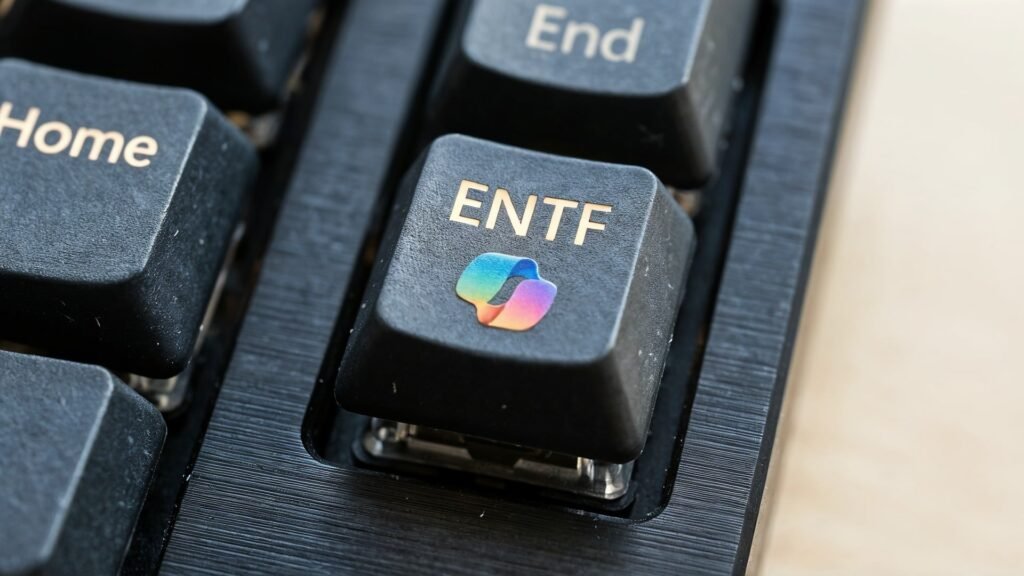
Windows 11 is integrating more and more local AI functions for quick calculations on your own computer. But the invisible models eat up storage space, which is why Microsoft is now finally testing an option to completely uninstall them.
More control over AI models
Microsoft is testing a new settings page for managing local AI models in a current experimental version of the Windows 11 operating system. Users, or rather only testers for the time being, receive detailed insights into the components installed on their computer for the first time. It is also possible to remove certain models directly. With this step, the Redmond company is responding to ongoing criticism of the lack of transparency in background processes.
The innovation is part of Windows 11 Build 26300.8553, a test version that was recently released for participants in the Windows Insider Program. There is a hidden area in the system settings for managing the local AI components. Instead of continuing to treat the models as invisible background processes, the operating system now lists them as independent entries. This makes administration much easier for end users and creates a clear overview of the system resources used.
The portal found this Pureinfotech the new overview page provides users with various technical details about the respective components. Users can see at a glance which system resources the artificial intelligence is using. Users can see exactly how much storage space each model uses. However, the function is currently hidden deep in the system and requires manual activation by the user.
Uninstalling Phi Silica
At the moment, the management function is also focused on Copilot+ PCs, which are specifically designed for local AI calculations. According to Pureinfotech, the Phi Silica language model can currently be uninstalled using a regular button. Microsoft has not yet confirmed whether other models will be released for complete removal in the future. However, the uninstall option gives users more flexibility in managing storage space. The information displayed by the installed AI models includes various parameters that help the user with the evaluation. These include, among others:
The system displays this data directly in Windows Settings without the need for additional third-party software. Over the past few months, Microsoft has integrated numerous artificial intelligence functions into Windows 11. Many of these calculations take place directly locally on the devices. The approach is intended to reduce latencies and at the same time allay data protection concerns of corporate customers and private users. Nevertheless, in the past, many users expressed massive concerns about the increasing storage requirements and the data packages being installed in the background without being asked. Microsoft announced a few weeks ago that it would reduce the permanent presence of the Copilot assistant in the operating system. The newly discovered management function for AI models now represents another logical step towards giving users back control of their computers. An official announcement of the function by the software company is still pending, so it remains to be seen whether the feature will actually be released for all users. How do you rate the new options for Windows 11? Is that enough for you or do you want more control? Write your opinion in the comments! See also: