Big Logitech update: New functions for mice and keyboards
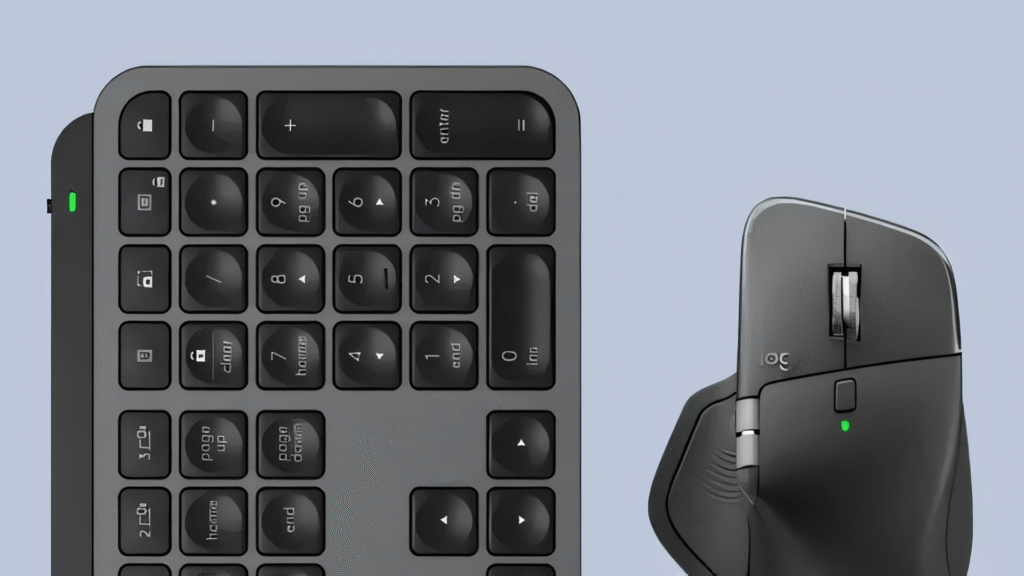
Logitech is releasing a major update for the Logi Options+ software. With version 2.4, the popular Actions Ring loses its MX exclusivity and is now available for significantly more mice and keyboards. These are the new functions.
Logi Options+ receives a major update
Logi Options+ received version 2.4.903778 on June 9, 2026. The approximately 45 megabyte update for the Windows 10 and Windows 11 operating systems primarily brings an innovation for owners of non-MX devices. The Actions Ring, a customizable screen overlay for app commands and keyboard shortcuts, leaves the exclusivity of the MX Series and is now for everyone compatible mice and keyboards usable.
The program acts as a central point of contact for managing input devices and has replaced the older Logitech Options software. The changeover has taken place gradually over the past few years in order to establish a more modern architecture and cloud-based storage for user profiles. With the overlay, which has now been activated for other devices, users optimize their workflow through quick access to frequently used functions.
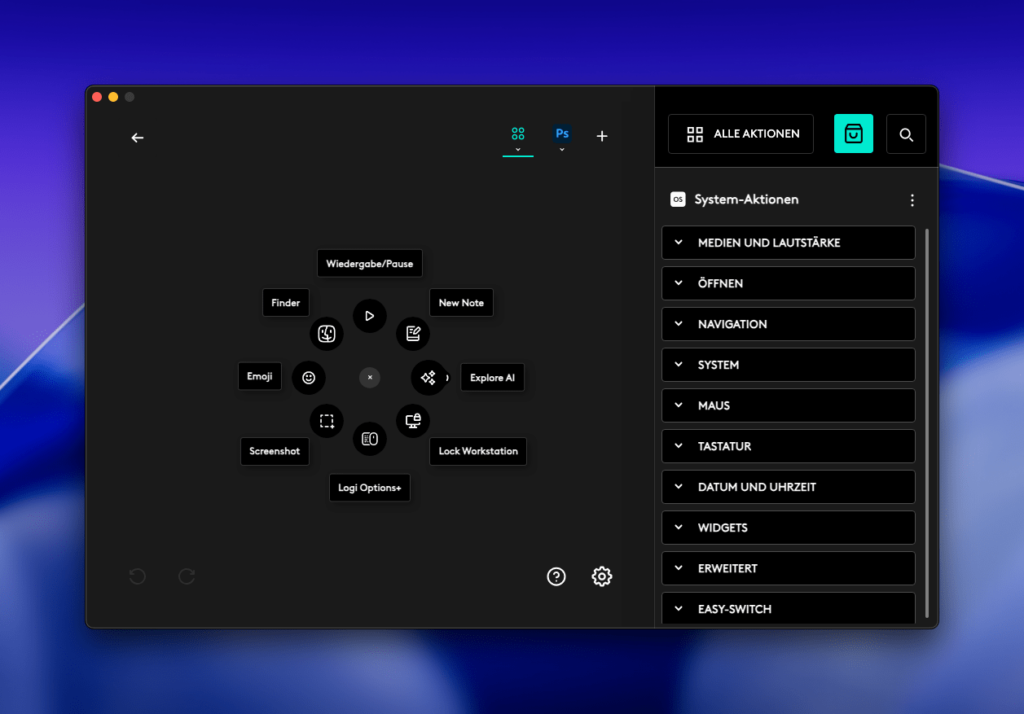
The Actions Ring appears at the touch of a button directly on the mouse cursor and presents up to eight freely assignable actions in a circular menu. Until now, the tool was reserved for buyers of premium models such as the MX Master 4 (in the test). In order to better adapt the menu structure to different screen resolutions, there are now three display sizes to choose from: Small, Medium as the default value and Large. This is particularly helpful when using high-resolution monitors.
Bug fixes and new features
Like Logitech in the Patch notes documented, the update also expands the area of Smart Actions. These automation features allow multiple commands to be chained together and get a new tab for trends. Here users can find templates that are based on current events. This makes it easier to get started creating your own macros. In addition to the visible innovations, version 2.4.903778 brings various bug fixes. An issue with the Dialpad configuration options has been resolved.
The dial and roller controls are now correctly disabled if the associated plugin service (LogiPluginService) is not active in the background. This prevents unexpected behavior when inputting in special editing programs or when editing images. The patch also eliminates crashes that could occur when shutting down or restarting the plugin service in question. Minor optimizations for Brio brand webcams and improved stability during installation are also included.