LG monitor connected to PC, Windows immediately shows advertisements
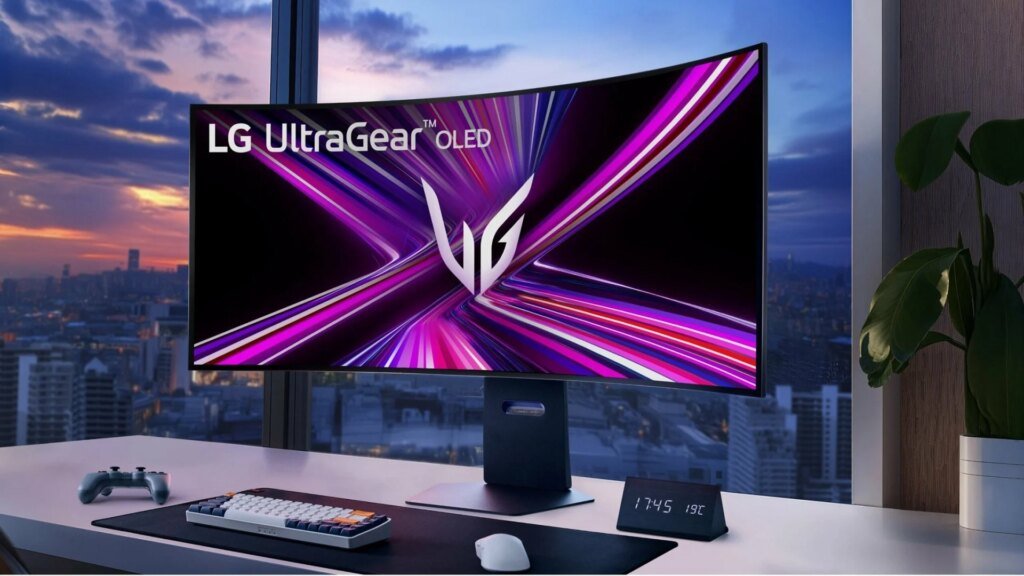
Anyone who spends money on new hardware for their PC doesn’t expect that the first thing they see when they start it up is advertising. If you connect a new monitor from LG, this is exactly what can apparently happen.
Premium user experience after monitor purchase
LG’s monitor division has apparently found a new way to give buyers of its own displays an unpleasant surprise when they first use their new product immediately after purchase. Because Windows loads the appropriate software from the Microsoft Store when new hardware is connected, users are presented with advertising directly.
At least this is according to the Reddit user t40r the case that spoke up in a subreddit frequented by many PC users. According to his own information, the customer had just purchased a new monitor from LG and connected it to the PC for the first time. Windows recognized the device and began to download and automatically install the software offered for configuration via the Microsoft Store.
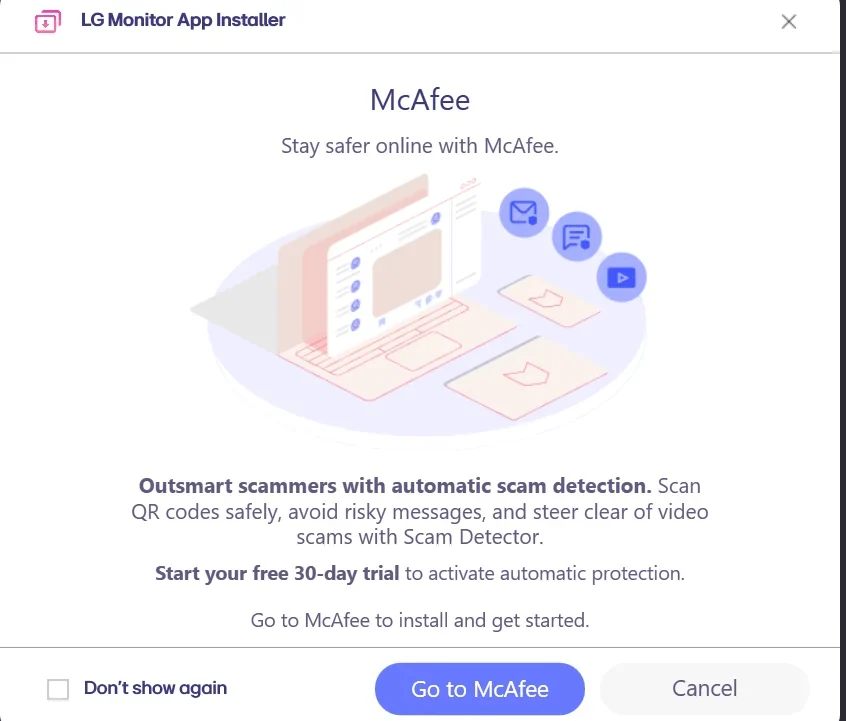
In this way, LG obviously supplies the so-called LG Monitor App Installer, which was loaded and installed directly after connecting the new screen. The app opens and does not show any setting options, but rather an ad from the antivirus provider McAfee, in which the customer is recommended to use McAfee’s software to protect themselves against online fraud. The monitor manufacturer uses the same method that motherboard manufacturers use to transfer their software to the customer’s computer without the user having to do anything.
What can actually be useful because the user can avoid the setup effort is obviously used by LG to collect a few cents from possible license sales from McAfee. Anyone who browses Reddit will find loud Tom’s Hardware There are also other cases in which buyers of LG monitors were also shown McAfee advertising when they first connected their new monitor to their PC and started using it. For the time being, relief only seems to be possible if: You can deactivate the automatic installation of software for newly connected hardware in the Windows settings.

Amit Gohar is Technical writer at ResearchSnipers.com, he is well versed Technology News writer, he has completed is MS computer Science in 2020. He can be reached at amit.g@researchsnipers.com