WatchOS 27: New function penalizes users of older Apple Watches twice
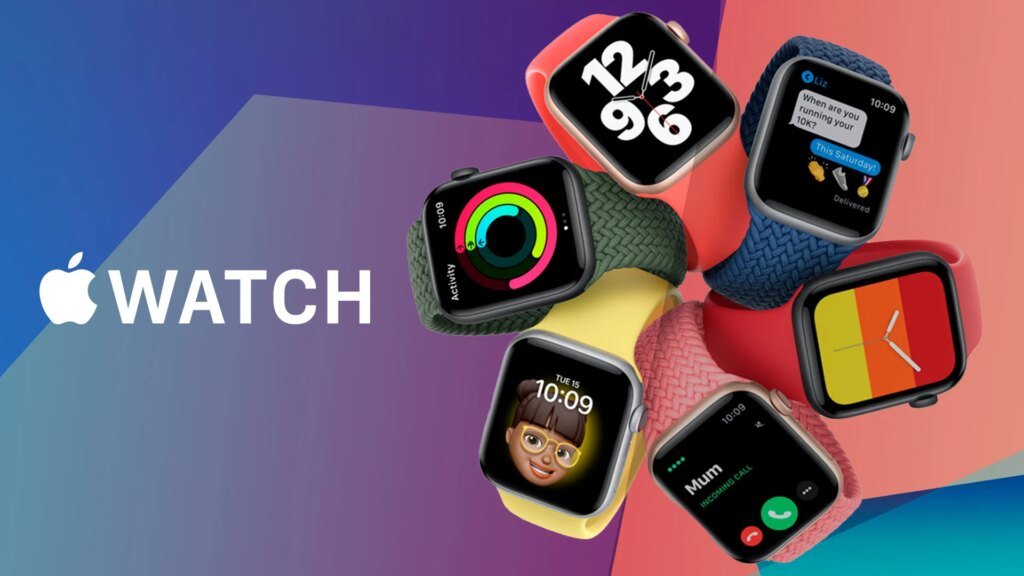
With the update to watchOS 27, Apple is changing the operation of its smartwatches. An established gesture for quickly switching between applications is no longer available. Owners of older models lose out twice as much.
WatchOS 27 changes the controls
At the same time as the release of iOS 27 on September 14, 2026, Apple also made watchOS 27 available. The new version of the smartwatch operating system is landing on a whole range of devices. With the new version, Apple is also adapting the operation of its wearables. As a result, users lose a much-used multitasking function. Previously, all it took was double pressure on the Digital Crown on the side of the case to jump back and forth between the currently open and the last used application.
The maneuver proved to be extremely practical in the users’ everyday lives. For example, if you wanted to jump to music playback during a training session, you could do so without looking at the display.
New feature blocks old gesture
With the jump to watchOS 27, double-clicking on older watches now only calls up the dynamic app overview. This corresponds exactly to the function that is triggered by simply pressing a button. The reason for this lies in a new function of the current generation of watches around the Apple Watch Series 12 and Apple Watch Ultra. As 9to5Mac reported, the gesture will be reserved for the Live Rewind feature in the future. The legally controversial tool creates transcripts locally on the device of all words spoken in the area from the past 15 seconds.
Live Rewind is part of a new AI package. However, the function is exclusively available on the new smartwatches. Previous generations like the Apple Watch Series 11 or Apple Watch Ultra 3 do not have the necessary processors to carry out real-time transcription directly on the wrist.
No choice in the settings menu
For owners of such older models, the update to watchOS 27 has two disadvantages. On the one hand, you lose the ability to switch apps quickly and don’t even benefit from the new transcription function. However, buyers of the new watches inevitably have to get used to it. If you don’t want to use Live Rewind on the new models, there is currently no way to restore the old behavior of the Digital Crown. There is no switch in the watchOS 27 settings to customize the button assignment. Apple probably doesn’t foresee such personalization of core functions either.
It remains unclear whether the company will respond to possible negative feedback from users in a future update such as version 27.1. In the past, the company occasionally gave in when faced with massive criticism, such as when it moved the control center back to the side button in an earlier version of watchOS after user complaints. In the meantime, owners of an Apple Watch have to come to terms with the current adjustment of gesture control.